30
PS2_0001 [EN]
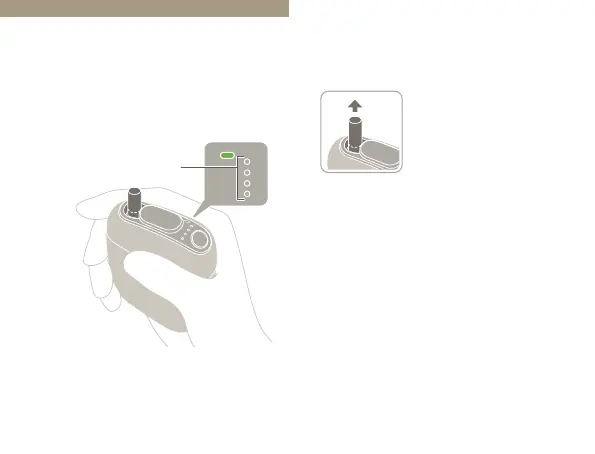
Hold the tobacco stick
by the tip, and pull it
straight out.
1
Remove the tobacco stick.
• Tobacco sticks turn light brown after use.
This is normal and does not indicate a
problem with the tobacco stick or the
device.
Shutting O
Make sure that all of the Status
Indicator LEDs are turned o.
Status Indicator LEDs



 To Next Page