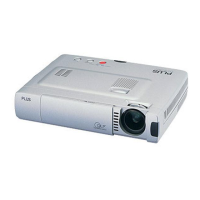
E-41
Menu Operation Method
6
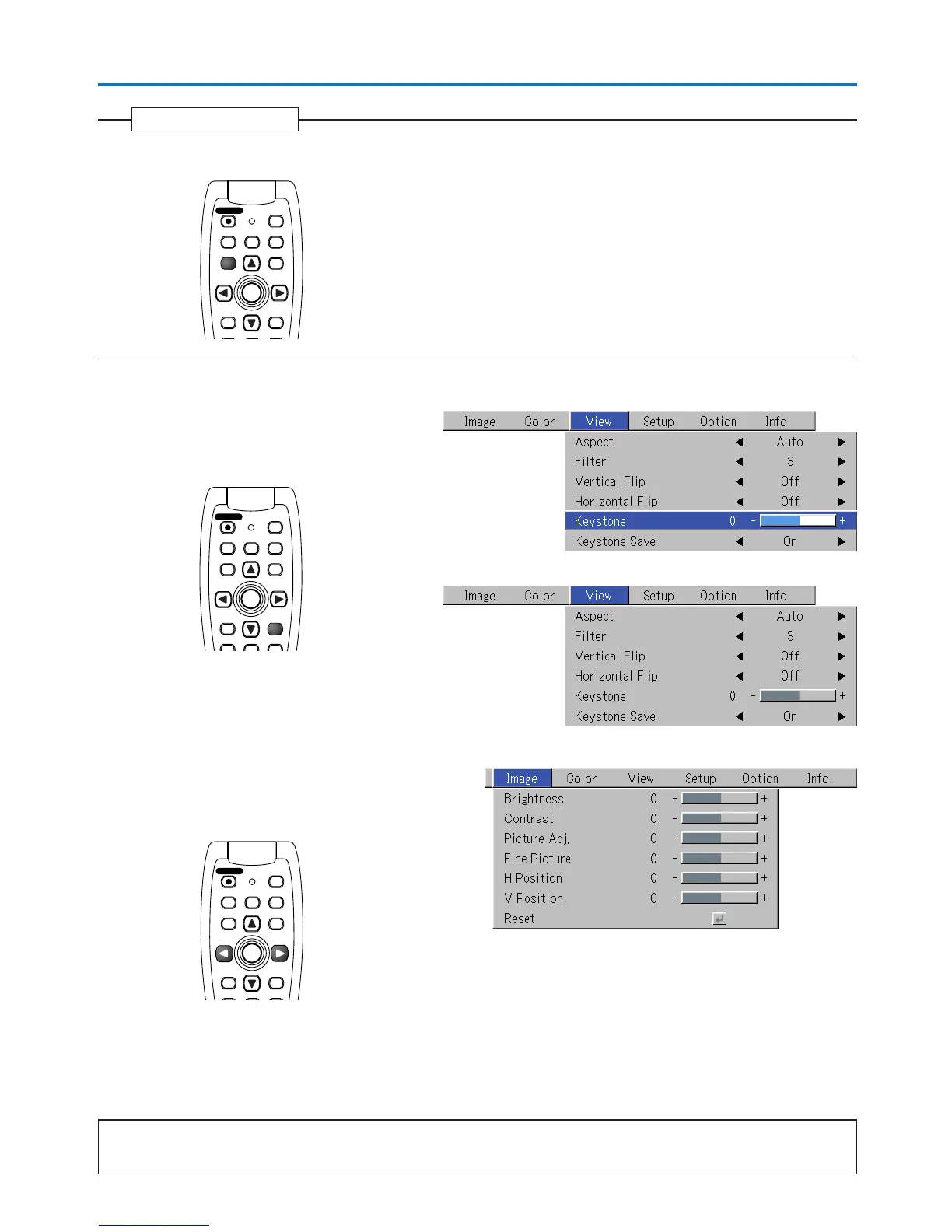
Press the MENU button and close the menu display
Closing the Menu
Selecting Another Menu Name with Remote Control Operation
When a sub menu is displayed, press the CANCEL but-
ton and close the sub menu.
Press the CANCEL button again to turn off the item name
cursor.
Press the SELECT (왗왘) button and select the menu
name. (Menu names cannot be selected when the item
name cursor is displayed.)
Note:
A press of the QUICK button while the menu is displayed will close the menu and display the quick menu. A press of the MENU button while
the quick menu is displayed will close the quick menu and display the menu.
FREEZE
MUTE
LASER
AUTO
TIMER
RGB
VIDEO
R-CLICK/
CANCEL
QUICK
ENTER
STANDBY
Q
MENU
FREEZE
MUTE
LASER
AUTO
TIMER
RGB
VIDEO
QUICKMENU
ENTER
STANDBY
Q
R-CLICK/
CANCEL
FREEZE
MUTE
LASER
AUTO
TIMER
RGB
VIDEO
R-CLICK/
CANCEL
QUICKMENU
ENTER
STANDBY
Q


 To Next Page