EasyManua.ls Logo

Plus U3-880 - User Manual

Default Icon
213 pages
Print Icon
To Next Page IconTo Next Page
Loading...
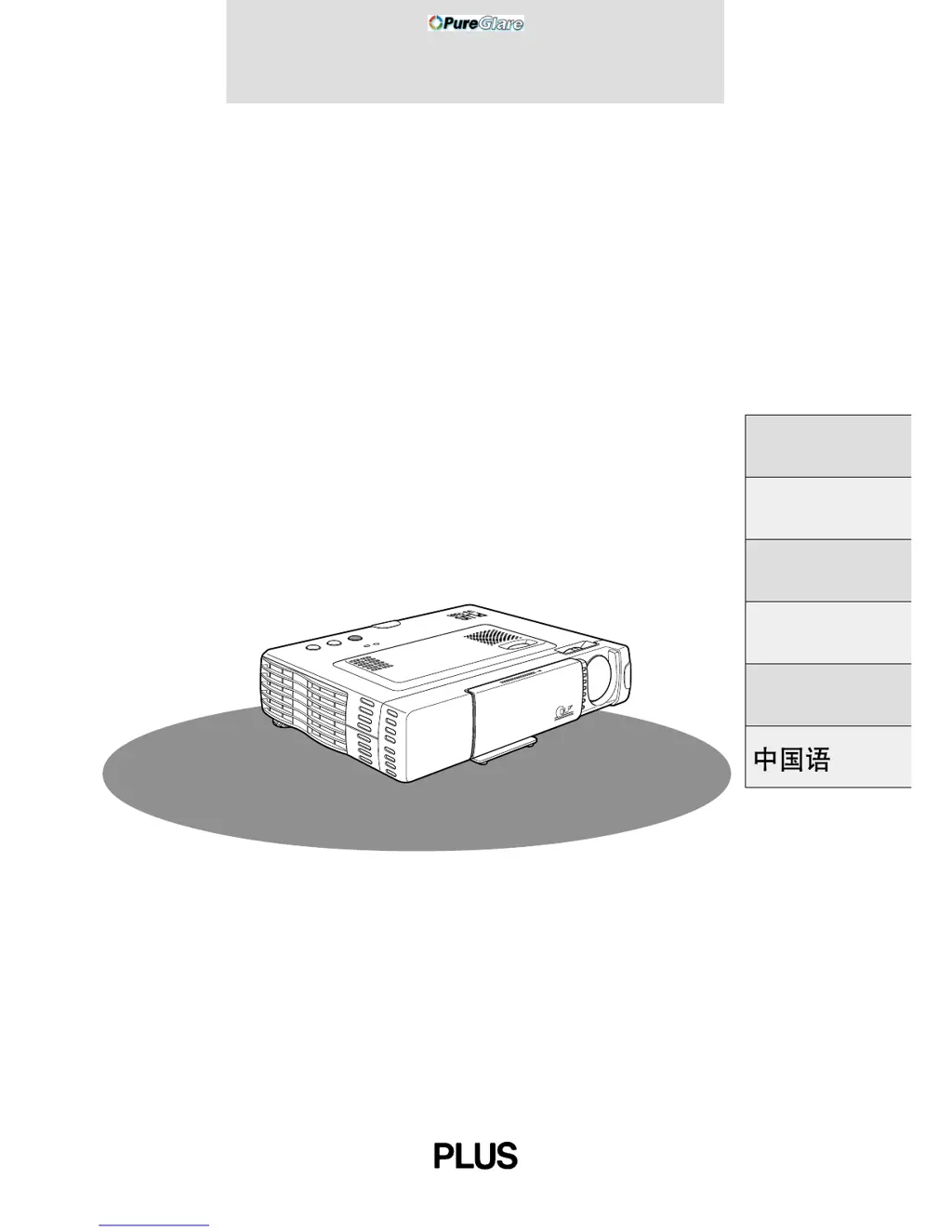
U3-1080/U3-880
DATA PROJECTOR
USER’S MANUAL
Deutsch
Italiano
Français
English
Español
PLUS
AUTOSOURCEPOWER
POWER
OPEN
STATUS
http://www.pureglare.com.au

Table of Contents

Questions and Answers

  • G
    gwendolynbartonAug 13, 2025
    Why won't my Plus U3-880 Projector power on?
    • H
      hannahguerreroAug 13, 2025
      There are several reasons why your Plus Projector might not be turning on. First, ensure the power plug is securely connected to the power outlet and that the lamp cover is correctly installed. The projector has a protective feature that prevents it from turning on if the internal temperature is too high. Also, the power will not turn on when the lamp usage time has exceeded 1100 hours. Finally, high-tension noise to the power line with extremely high pulse can stop the projector; if this happens, unplug the power cord from the outlet and plug it in again.
  • K
    kimberlylewisAug 17, 2025
    What to do if Plus U3-880 has no image?
    • I
      imcdonaldAug 17, 2025
      If your Plus Projector is displaying no image, check the following: * Ensure the connected input has been selected. * Verify the cable is correctly connected to the input jack. * Make sure the brightness and contrast are not set to minimum. * Confirm the sliding lens cap is open. * Check if the lamp is blown or if the lamp usage time has exceeded 1100 hours. * If using a notebook computer, ensure it was powered on after connecting to the projector and that it is not set to disable output to the external RGB jack. * Also, check if the STATUS indicator is blinking.
  • S
    sara15Aug 20, 2025
    Why does my Plus Projector remote control not work?
    • S
      seandunlapAug 20, 2025
      If your Plus Projector remote control isn't working, first check if the send indicator (LED) lights up when you press a button. If it doesn't, replace the batteries with fresh ones. Also, make sure there are no obstacles between the remote control and the photoreceptor on the main unit. Ensure the remote control is being used within its effective range and that there isn't a fluorescent light or other strong light source close to the photoreceptor.
  • P
    Pamela PearsonAug 25, 2025
    How to fix distorted images on Plus Projector?
    • J
      jamesbaileyAug 25, 2025
      To correct distorted images on your Plus Projector, first verify that the projector is installed correctly. Then, ensure that the Keystone adjustment was performed correctly.
  • M
    marcuscampbellAug 28, 2025
    How to fix blurred images on Plus U3-880?
    • J
      Jessica NguyenAug 28, 2025
      If your Plus Projector images are blurred, start by ensuring the lens is properly focused. Check that the screen and projector are positioned at the correct angle and that the projection distance places the screen within the focus range. Also, inspect the lens for any condensation, dirt, or other obstructions. If condensation is present on the internal optical system because the projector has been stored in a cool place and then used in a warm place, wait several minutes for it to evaporate.
  • R
    Robert EstradaAug 31, 2025
    What to do if images are offset vertically or horizontally on Plus U3-880 Projector?
    • L
      Lori EvansAug 31, 2025
      To resolve images that are offset vertically or horizontally on your Plus Projector, correctly adjust the horizontal and vertical position of the screen. Also, ensure that the clock frequency is correctly adjusted and that the resolution and frequency are correct for the input signal.
  • A
    ashley49Sep 4, 2025
    Why does my Plus Projector wireless mouse not work?
    • A
      April TateSep 4, 2025
      If the wireless mouse is not working with your Plus Projector, verify that the MOUSE jack of the main unit and the personal computer are correctly connected. Also, ensure that the personal computer was started after being connected to the MOUSE jack of the main unit.
  • J
    Jared SmithSep 8, 2025
    How to resolve flickering text or offset colors with RGB input on Plus U3-880 Projector?
    • Z
      Zachary OliverSep 8, 2025
      To fix flickering text or offset colors with RGB input on your Plus Projector, manually adjust the clock frequency and phase. You can also try pressing the AUTO button.

Summary

Important Safety Information

Warnings and Cautions

Critical safety warnings regarding electrical shock, fire hazards, and RF interference.

Installation Safeguards

Guidelines for safe placement and installation to prevent hazards.

Power Supply Safeguards

Precautions for safe connection and use of the power supply.

Maintenance and Safety Procedures

Lamp Replacement Guide

Instructions for replacing the projector lamp cartridge when usage time is reached.

Fire and Shock Prevention

Detailed safety measures to prevent fire and electrical shock during operation.

Projector Parts and Controls

Projector Connectivity Ports

Rear Terminal Panel Description

Description of the various input/output jacks on the projector's rear panel.

Wireless Remote Control Functions

Projector Installation Guide

Positioning the Projector for Image Size

Guidance on optimal placement and distance for projecting images of various sizes.

Connecting Video Sources

Connecting to Computer Sources

PC and Macintosh Connection

Instructions for connecting a PC or Macintosh computer for display.

Basic Projector Operation

Initial Power On and Setup

Steps for connecting power and turning on the projector for the first time.

Image Alignment and Correction

Adjuster Mechanism Operation

Steps to adjust the projector's feet for proper leveling and image projection.

Keystone Distortion Correction

Using the remote control to correct projected image distortion.

Projector Operating Functions

Input Source Selection

How to select the video or computer input source using the remote or unit.

Projector Menu Structure

Accessing the Advanced Menu

How to access the extended projector settings menu.

Computer Image Adjustment Guide

Manual Computer Image Tuning

Adjusting Clock Frequency and Phase

Steps to manually adjust image timing for optimal display.

Adjusting Image Position Manually

Steps to manually adjust the vertical and horizontal position of the projected image.

Projector Reset and Lamp Usage

Resetting Lamp Usage Hours

How to reset the lamp usage counter after replacing the lamp.

Image Content Specific Adjustments

Keystone Adjustment Settings

Correcting trapezoidal distortion of the projected image.

Troubleshooting Projector Issues

Power and No Image Solutions

Solutions for issues like the projector not turning on or displaying an image.

Image Quality Troubleshooting

Troubleshooting steps for distorted, blurred, or offset images.

Status Indicator Light Guide

Understanding Status Light Meanings

Explanations of what different status indicator light patterns mean.

Lamp Replacement Procedure

Step-by-Step Lamp Cartridge Replacement

Step-by-step guide for safely replacing the projector lamp cartridge.

Projector Technical Specifications

Plus U3-880 Specifications

General IconGeneral
BrandPlus
ModelU3-880
CategoryProjector
LanguageEnglish

Related product manuals