Operating Instructions MSA 2 CF Fusion process
17
When you confirm the intent of starting the fusion process,
pressing the START/OK button, the unit will start to weld.
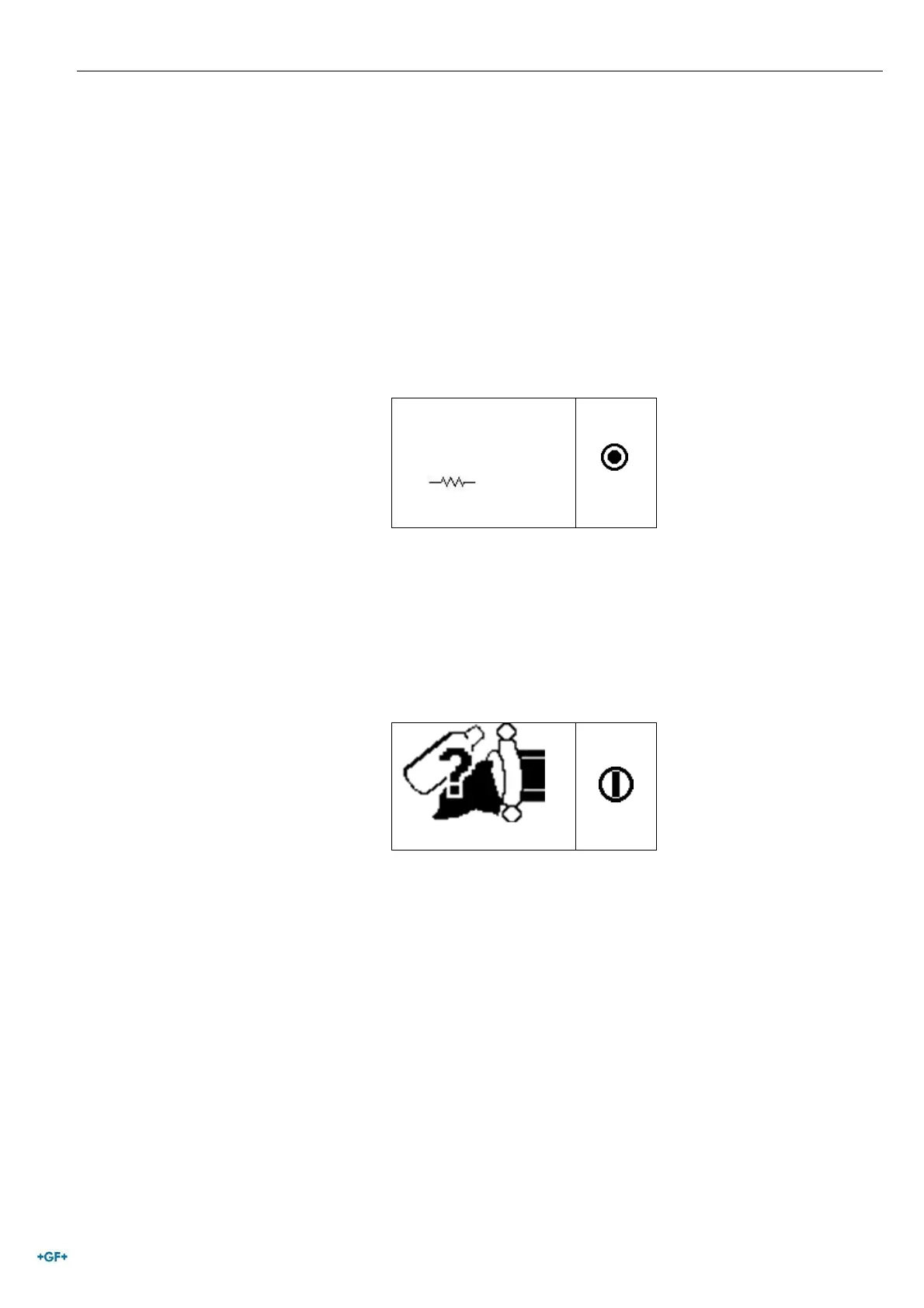
If the barcode is not correct the machine and the scanner give
both a prolonged tone to ask for the correct one. In case of
inconsistency between measured versus scanned parameters
the machine shows instead a message screen, with the proper
error like the following one (fitting resistance too high in respect
to the nominal value).
E-10
12/06/19 15:50 70°F
2.7 Preparation check
Before starting the fusion process, the MSA 2 CF shows a
reminder, to ensure the preparation activities have been properly
carried out.
12/06/19 15:50 70°F
As soon as you confirm with the START/OK button, the fusion
process starts.


 To Next Page