13
Business card scanning
To scan the business card, please follow the steps:
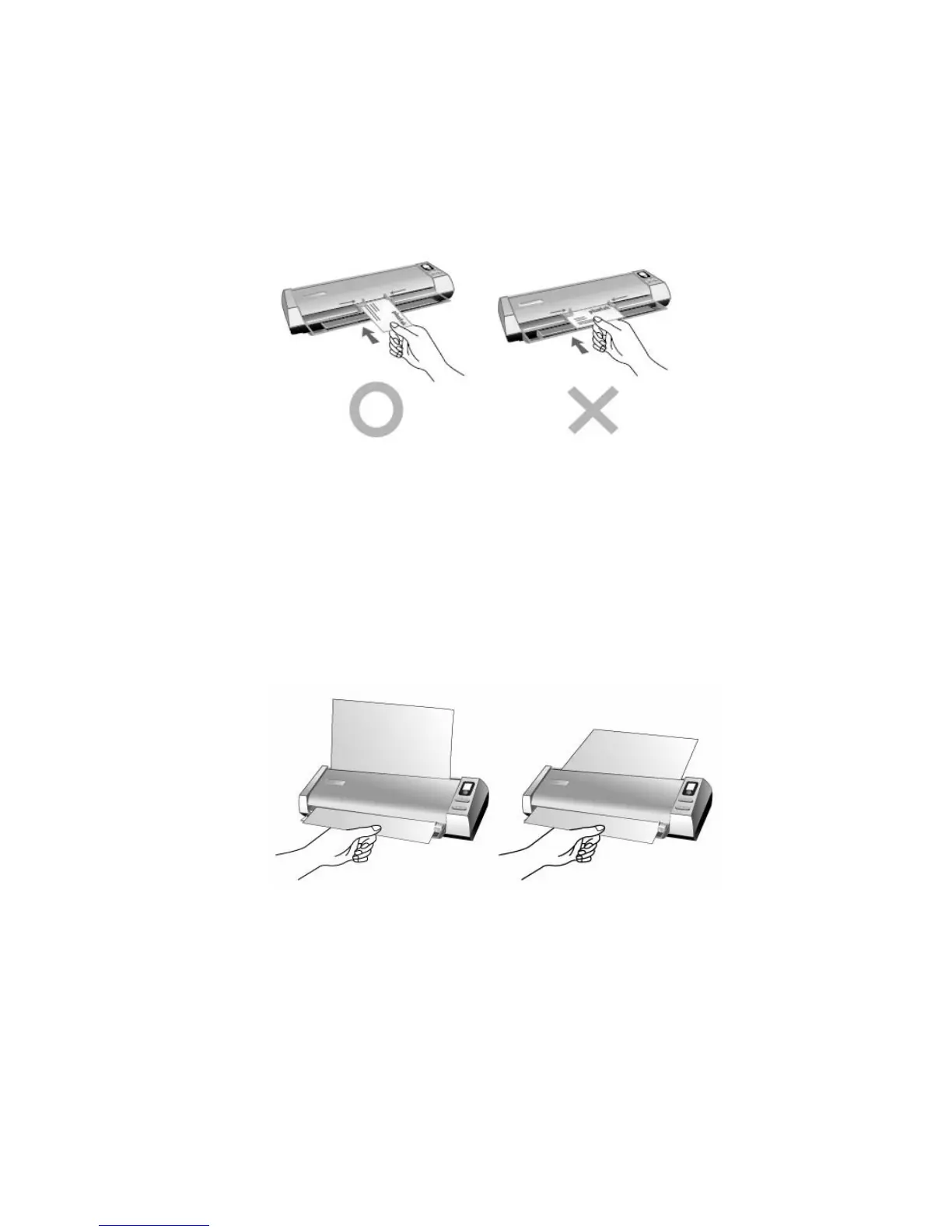
1. Please change the button setting from the DocAction window, and then
vertically load the business cards, insert the card toward the center of the
scanner until the card being grabbed by the scanner.
2. The steps 2 to 5 please refer to the same steps of the “Plastic card scanning”.
Document Scanning
Actually, document scanning is similar with the card scanning, however, we’ll
describe the steps simply for you:
1. Please change the button setting from the DocAction window, insert the
document or image toward the center of the scanner until the document or
image being grabbed by the scanner.
2. The steps 2 to 5 please refer to the same steps of the “Plastic card scanning”.







 To Next Page