28
6. Select the desired data and click the
Export
button to export the selected data.
7. Select the desired data and click the
Delete
button to delete the selected data. You
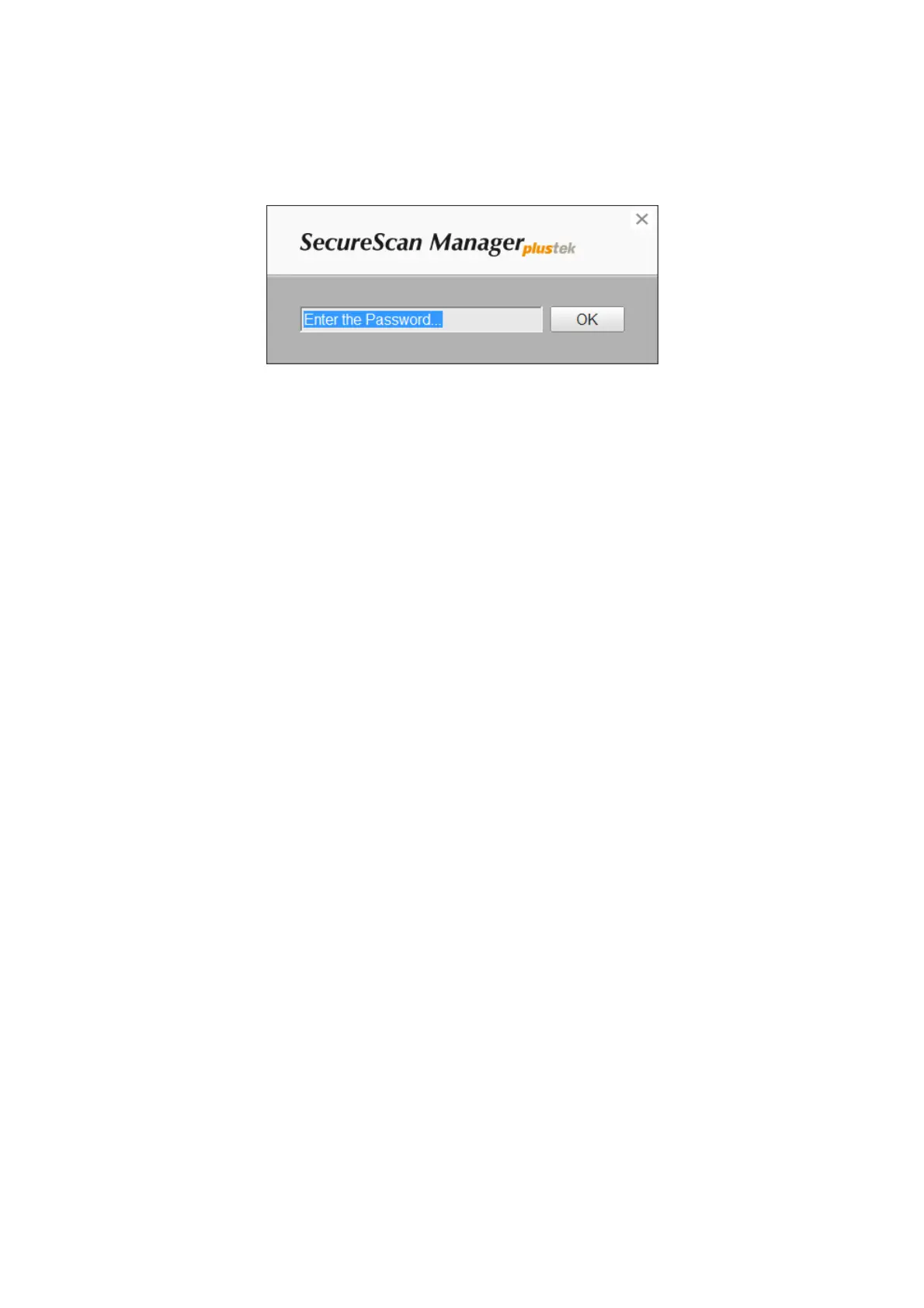
have to enter the password again to confirm the delete action.
8. Select the desired data and click the
Print
button to print the selected data.
9. Click the
Exit
button to exit the
SecureScan Manager
program.



 To Next Page