SETTINGS
33
RESTORE YOUR TABLET TO FACTORY SETTINGS
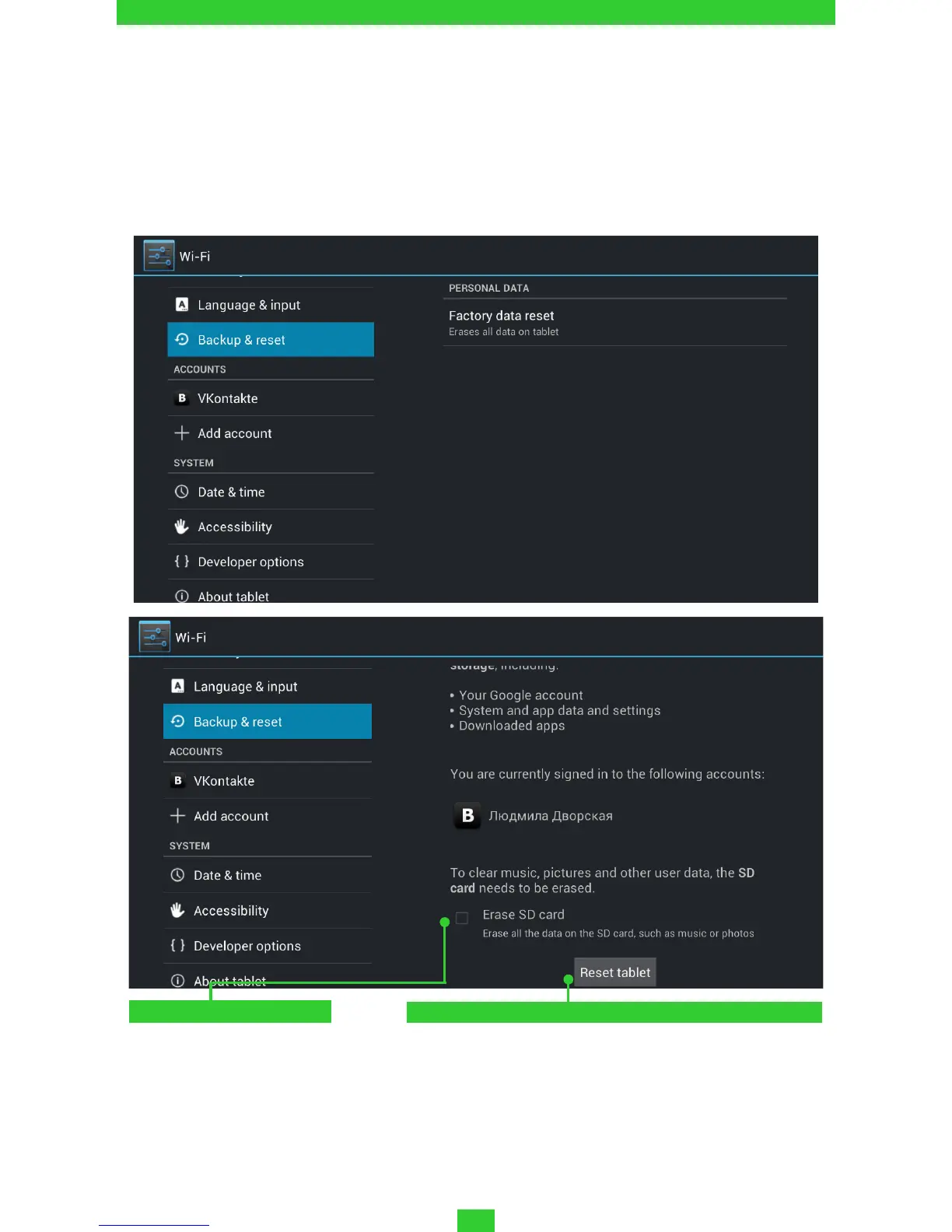
Select Settings > Backup & reset > Factory data reset menu item, in
opened window press Reset tablet and Erase everything. It will restore
your tablet to the factory settings and erase all your personal informa-
tion: downloaded applications, system settings, google account.
Clean SD card storage
Press to reset tablet



 To Next Page