Reading Books 55
NOTE: Handwritten notes are not available for DjVu books.
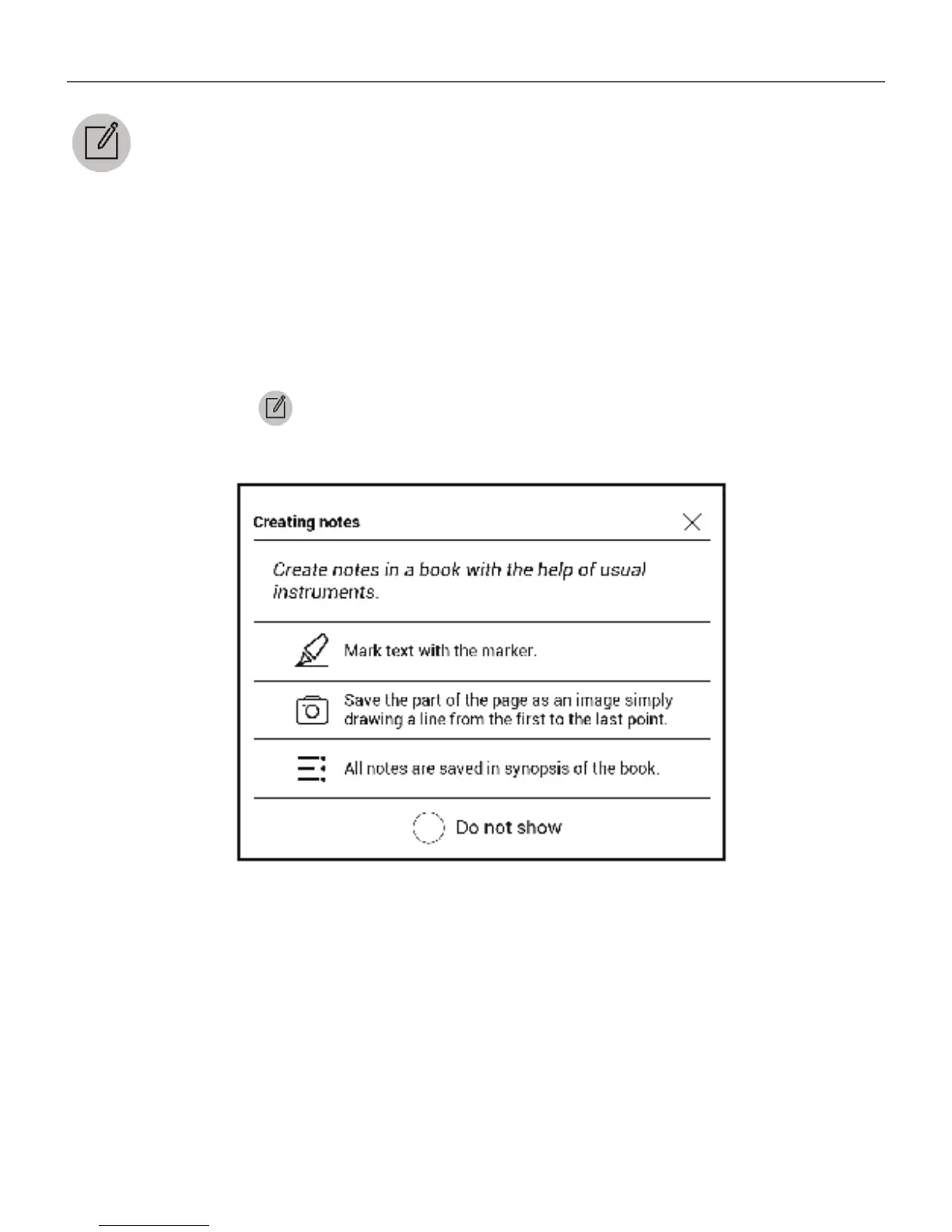
After you will enter Notes, a tooltip window will appear.
All notes are visible from section Notes at Application panel.
NOTES
Notes allows you to save favorite book fragments and
make handwritten records directly in the text. All the notes
will be displayed in book’s table of contents. To enter notes
mode, select
Note reading menu section.















 To Next Page