Reading Books 70
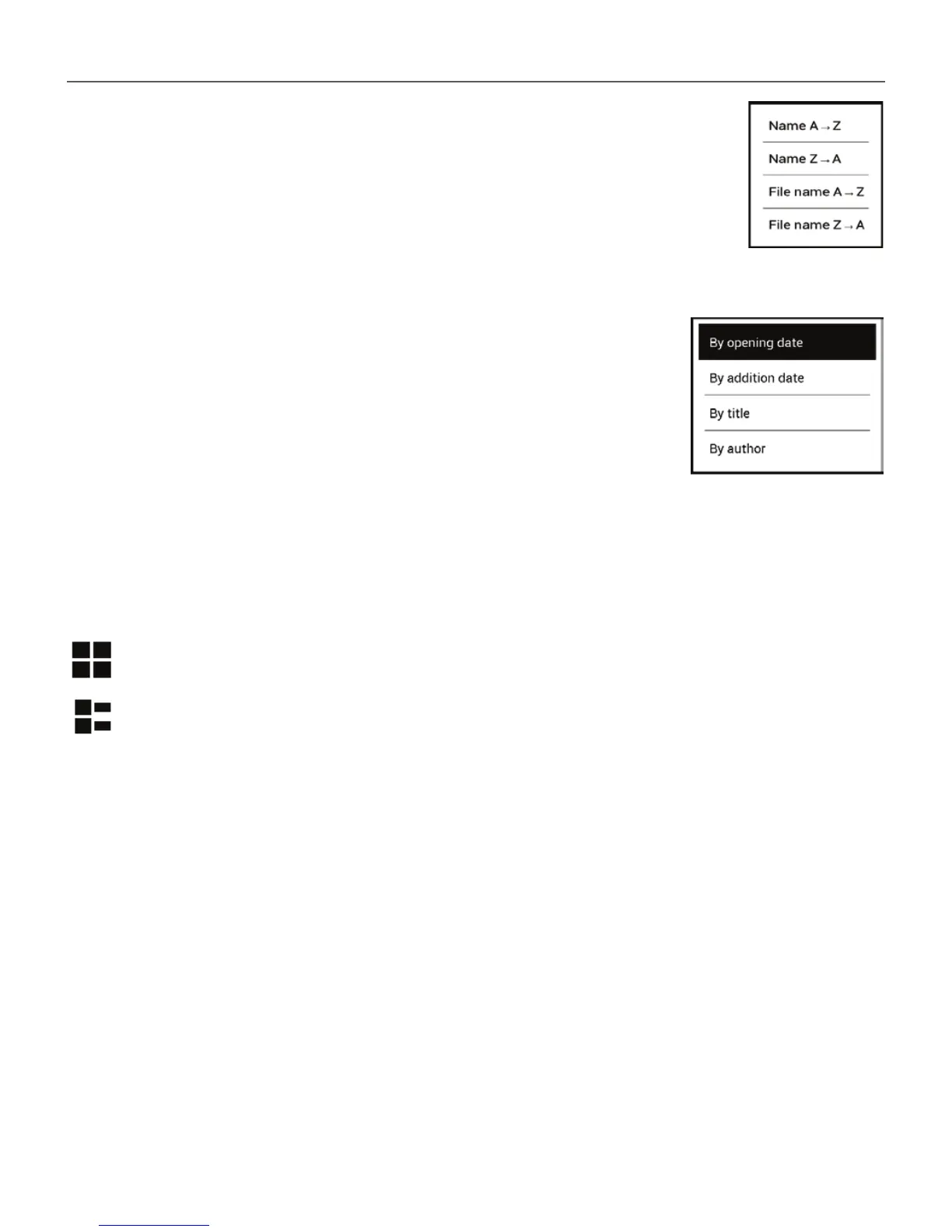
The results of grouping can be displayed as as-
cending (A-Z) or descending (Z-A).
2. Sorting criteria
• By opening date;
• By addition date;
• By title;
• By author.
3. Books list views
Simple – in this mode the cover icon of the book is displayed.
Detailed – in this mode there’s added author, titele,
thumbnails, information about fi le format and size, read
percentage.
Context menu...
...opened by continuous touch...















 To Next Page