Using Auto-Relay Mode
1. Set the transmitting PocketWizard radio in your hands to a desired channel and zone.
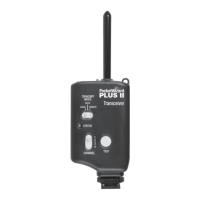
2. Set the relaying Plus III for your remote camera to the same channel
as the radio in your hands and set Triggering Mode to TxRx.
3. Connect the relaying Plus III’s Flash/Camera port to the remote camera
triggering port of the camera via a remote camera cable.
4. Slide the relaying Plus III into your remote camera’s hot shoe.
5. Connect your remote ash to a PocketWizard receiver via the appropriate sync cable
and set it to one channel higher than the transmitting PocketWizard radio in
your hands.
6. Press and release TEST on the PocketWizard transmitter in your hands to
begin the sequence. Make sure your transmitting and relaying PocketWizard
radios are set to the same zone.
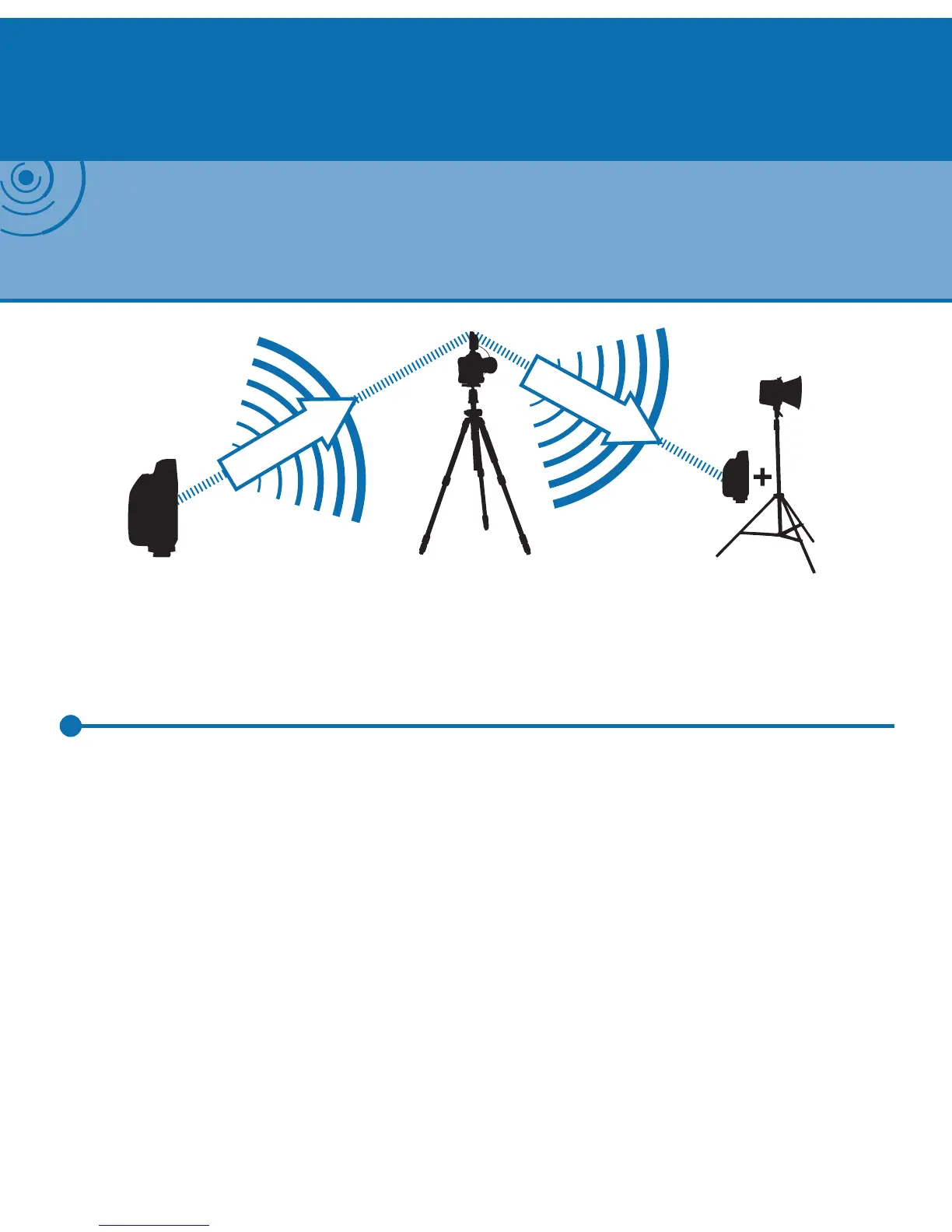
Plus III
(Transmitting)
Remote Camera
(Receiving & Transmitting)
Remote Flash
(Receiving)
Channel 1
Channel 2
NOTE: Auto-Relay Mode allows you to trigger remote ashes in sync with a remote camera and
requires only three PocketWizard radios. A Plus III Transceiver attached to a remote camera can
receive on one channel and then transmit on another channel to trigger remote ashes in sync
with the remote camera.
Auto-Relay Mode


 To Next Page