7
Remote Camera Triggering
Triggering a Remote Camera with your Plus III Transceiver
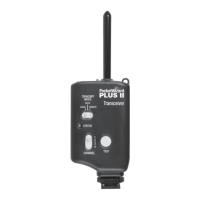
1. Connect a Plus III to your remote camera via the appropriate remote camera
cable.
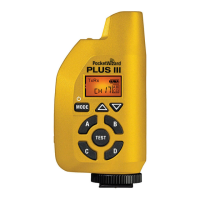
2. Select the Channel and Zone A, B, C, or D via the Channel Up/Down
Buttons < > and Zone Toggle Buttons.
3. Press the TEST button on the PocketWizard radio in your hands. The remote
camera will trigger.
If the PocketWizard radio in your hands is also a Plus III, you can
pre-release the remote camera by pressing the TEST button half way < >.
This wakes up the camera and lets it respond more quickly and consistently.
It can also engage autofocus. To read more about remote camera
triggering visit the PocketWizard wiki at http://wiki.PocketWizard.com/
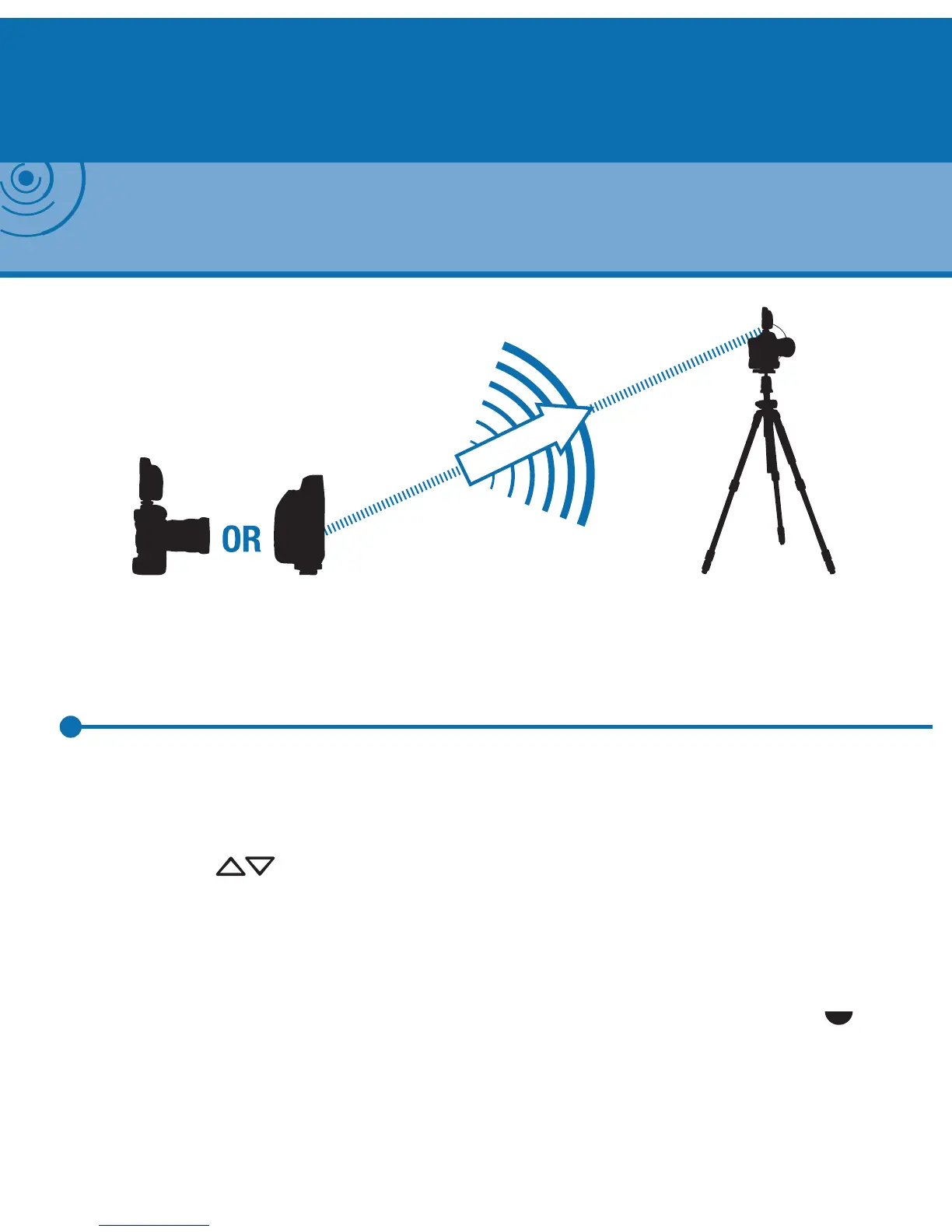
Camera in hand OR Plus III
(Transmitting)
Remote Camera
(Receiving)
NOTE: The transmitting PocketWizard radio triggers the receiving PocketWizard radio, which res the
remote camera via a remote camera cable. To nd the right remote camera cable for your equipment
visit the Cable Finder at PocketWizard.com/support/cable_nder


 To Next Page