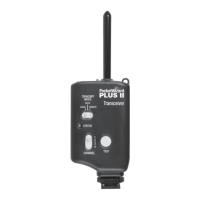
Triggering a Remote Flash with your Plus
®
III Transceiver
Remote Flash Triggering
1. Connect a Plus III to your remote ash via the appropriate sync cable.
2. Attach a Plus III to your camera’s hot shoe. You may also connect the Plus III
radio to your camera’s PC sync port using the included cable.
3. Select the Channel and Zone A, B, C, or D via Channel Up/Down
Buttons < > and Zone Toggle Buttons. Set any other PocketWizard
radios to a matching Channel and Zone. (See the “Using Zones” section for
more information)
4. Take pictures normally at or below your camera’s X-Sync speed.
MomentarilypressingtheTESTbuttonwilltesttriggertheash.
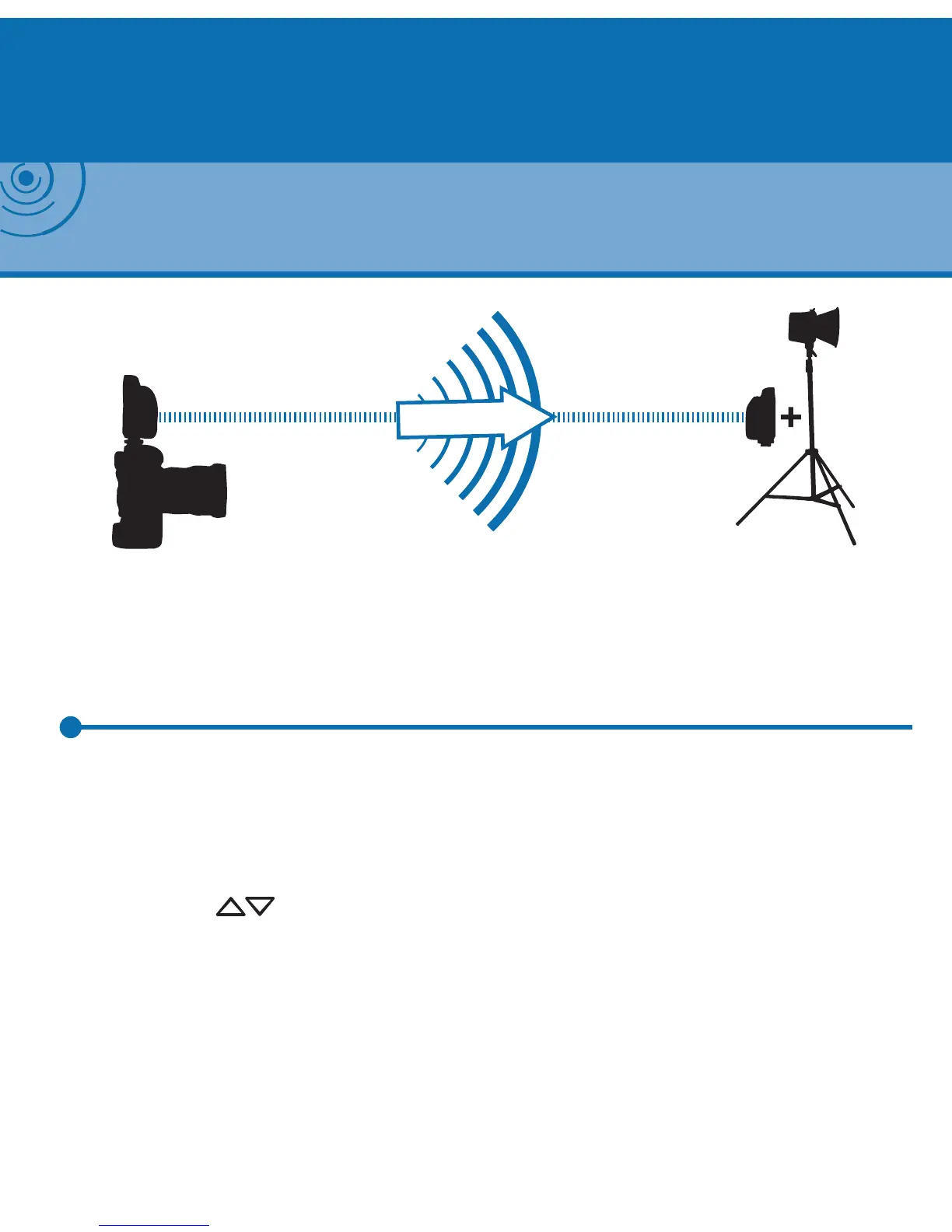
Camera with Plus III in Hot Shoe
(Transmitting)
Any PocketWizard receiver
connected to remote ash
(Receiving)
NOTE: With the transmitting and receiving PocketWizard radios set to the same channel and
zone, remote ashes will be synchronized with the camera. To nd the right sync cable for your
ash visit the Cable Finder at PocketWizard.com/support/cable_nder


 To Next Page