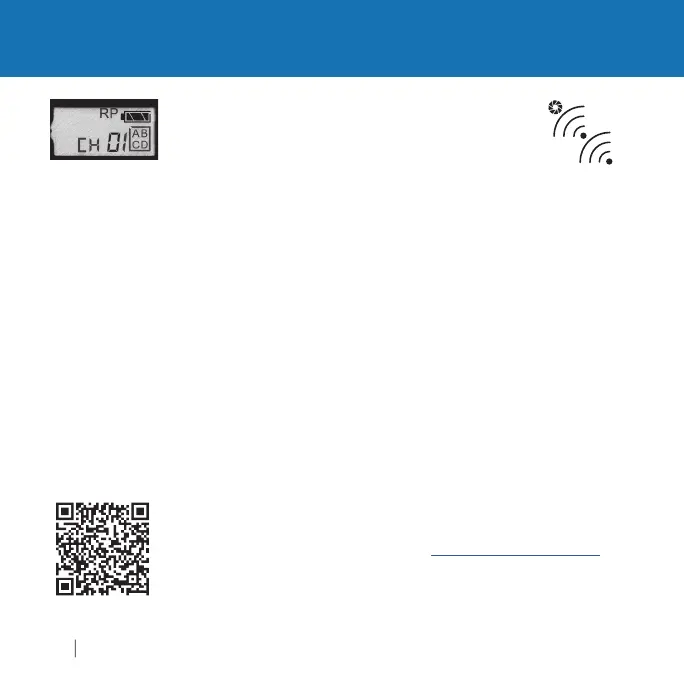
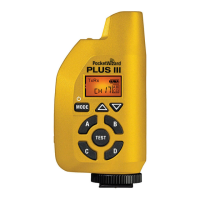
Triggering Modes: RP
RP (Repeater)
o
e a
ows you a
one or more
us
e
radio
s
between a pair o
transmittin
and receivin
units to
increase maximum tri
erin
distance. For example, i
you
can reac
200 meters, you can a
a
epeater to reac
400 meters.
s mo
e can
e use
w
en tr
er
n
remote cameras.
It can also be used with
ash but there is a reduction in maximum
-sync spee
.
s
s not t
e same operat
on as
uto-
e
ay
o
e
RP mode with E Release fi rmware requires a multiple Channel setup.
Set the transmittin
and fi rst Repeater radio to the same Channel. Then
increase the Channel number for each successive repeater unit. Make
sure each Repeatin
radio can only receive the si
nal
rom one other
ra
o, ot
erw
se an en
ess
oop cou
occur.
ut t
e transm
tt
n
ra
o
into Tx
NLY Mode for best results
For example
I
you are usin
one Repeater in the middle, set the transmittin
and
epeater radio to Channel 1. Set the receivin
radio to Channel 2.
Ch1>Ch1>Ch2
. If you are usin
a total of fi ve radios for very lon
distance, set the transmitter and fi rst Re
eater to Channel 1, the
second Re
eater to Channel 2, the third Re
eater to Channel 3, and
the receivin
radio to Channel 4.
Ch1>Ch1>Ch2>Ch3>Ch4
I
you choose to down
rade your Plus IIIe to Le
acy
rmware, Repeater
settin
s operate di
erently. Please see wiki.PocketWizard.com
r
t
il
t
z
r



 To Next Page