1211
Turn the Solo o and on at the switch on the fuse box/consumer unit.
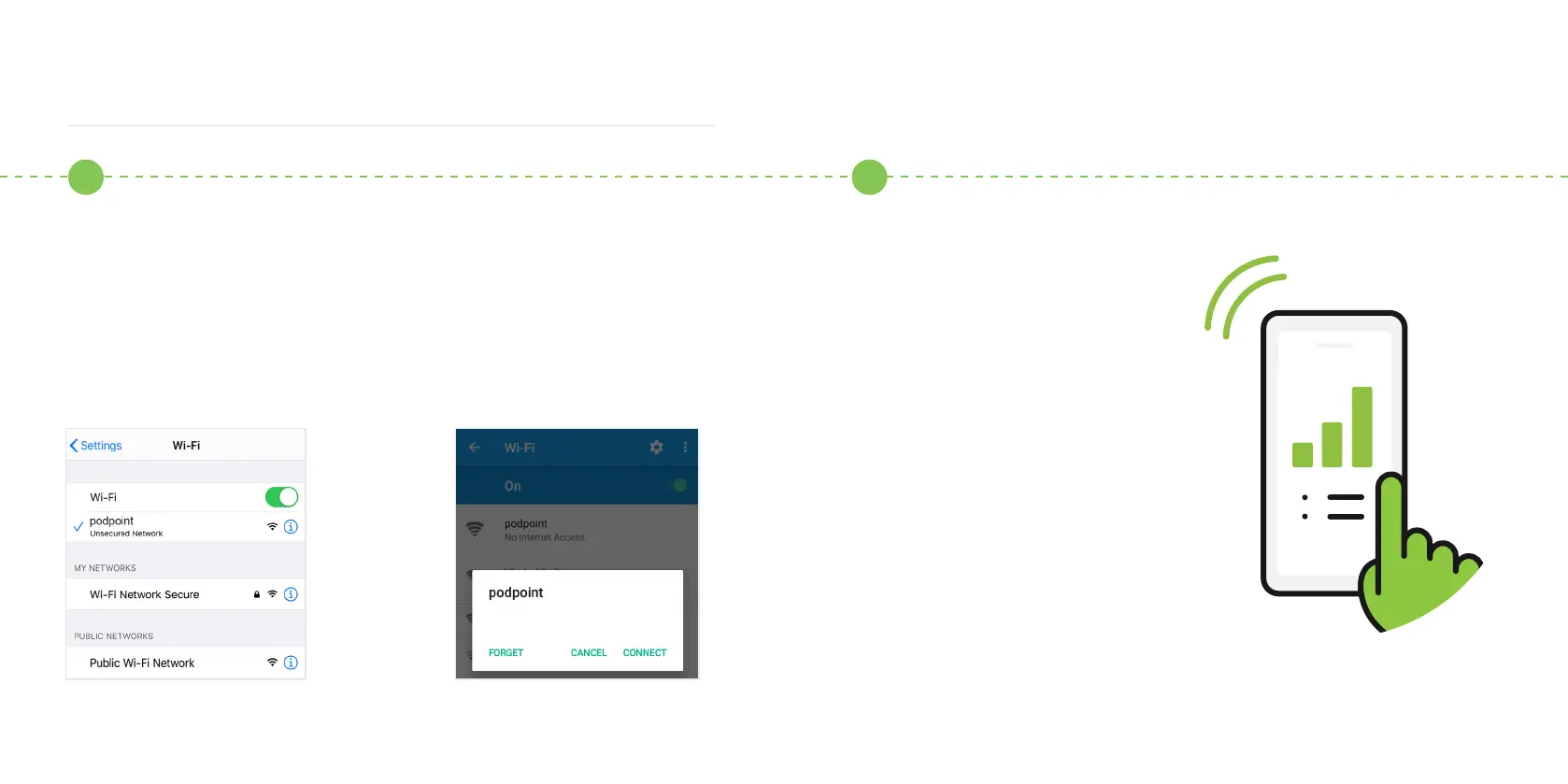
Go to Wi-Fi connection menu on your smart device and connect to the
podpoint Wi-Fi network while standing next to the Solo.
For Android users, you need to press CONNECT on the pop-up message.
Note: Once connected, your hotspot will usually turn OFF .
Next, we have to pair the Solo
to your hotspot. There are two
ways to do this - if you have an
additional smart device with a
network connection (other than
the one you have already used
in this setup process) you can
use this to pair the Solo with the
hotspot - to do this, please
turn to page 13.
If you do not have a second smart
device to complete the pairing
process (other than the device
emitting the hotspot) please
turn to page 15.
Using a temporary mobile hotspot
2 3
Android OSiOS



 To Next Page