1413
Pick your hotspot from the
list and type the password.
Press Connect.
The new settings will take
15-30 minutes to activate.
Alternatively, activate them
immediately by switching your
Solo o and on again at the
switch on the fuse box/consumer
unit.
Then continue to page 16, step 7.
4A
Using a temporary mobile hotspot
5A 6A
If you have a second smart device follow these steps:
Pod Point Home Unit Wi-Fi
My Home Wi-Fi
Guest Wi-Fi
Pod Central
Connect your Pod Point Home Unit to Wi-Fi by selecting a
network and entering the password.
Available Networks
Show advanced data
192.168.101.1
Pod Point Home Unit Wi-Fi
PP3GWIFITEST
PP3GWIFI
Network Password
Connect WiFi Scan
192.168.101.1
192.168.101.1
192.168.101.1
192.168.101.1
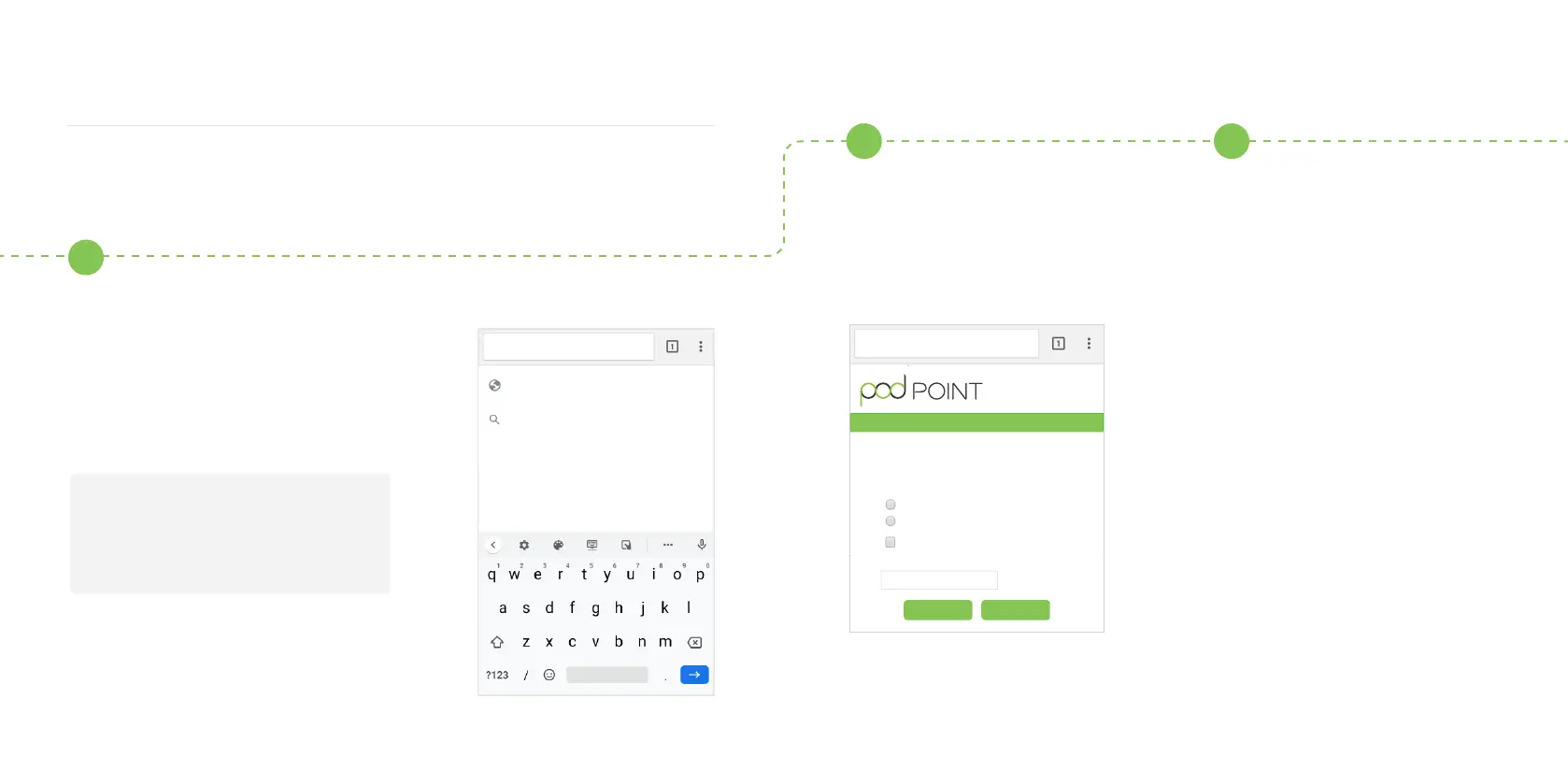
Open you web browser, type in one
of the following IP addresses - please
try the sequence below and use all
full stops. If the rst IP address does
not work, please try the next one.
192.168.1.1
Or
192.168.101.1


 To Next Page