23
Janam also mandates use of the proper stylus, which is one that has a stylus tip radius of no less
than 0.8mm. Use of the stylus included with the terminal is recommended at all times.
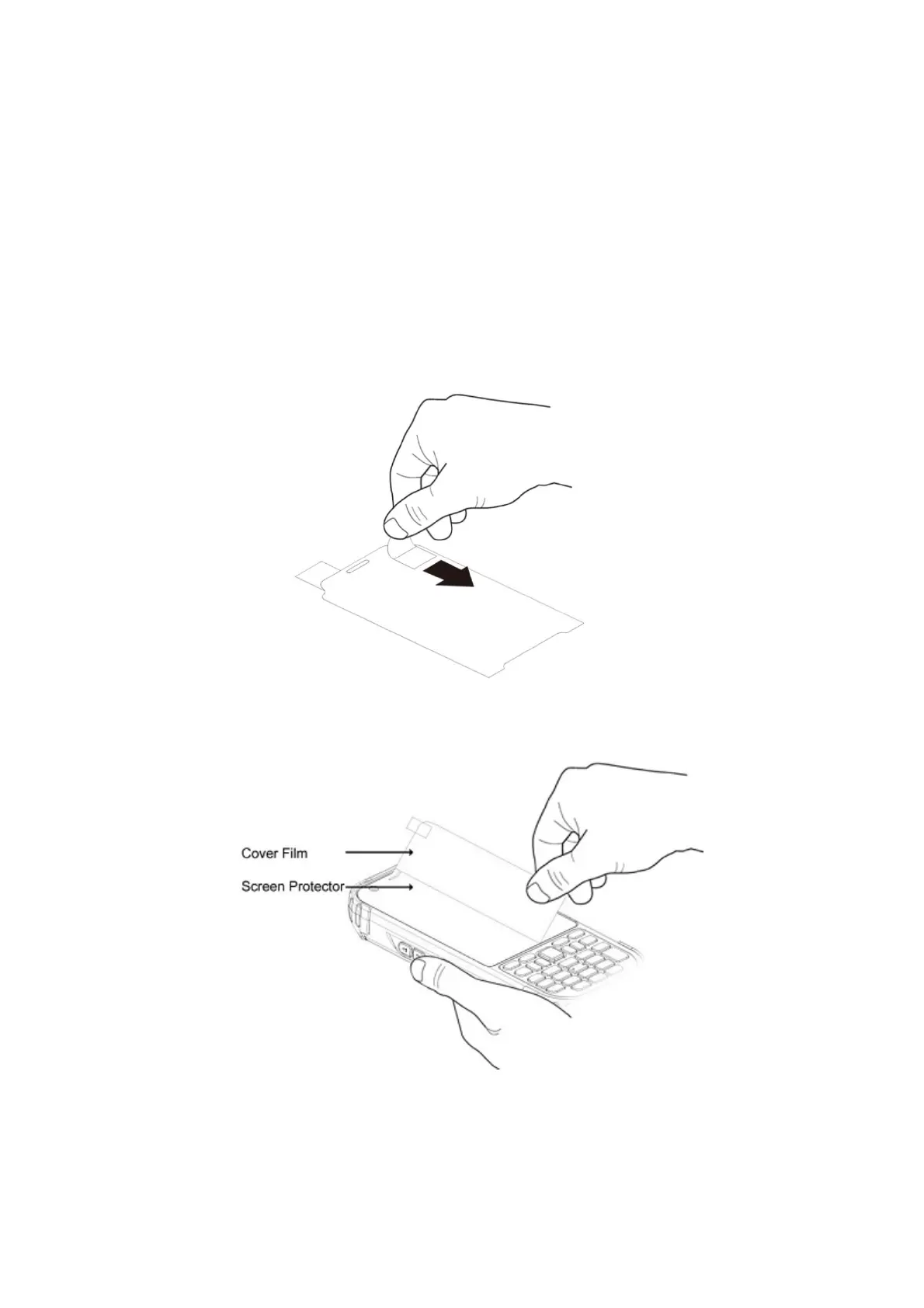
4.7. Installing Your Screen Protector
When installing a screen protector, use a flat plastic card (e.g., credit card) to apply the screen
protector smoothly and remove any air bubbles.
1. Press the Power key to put the terminal in suspend mode.
2. Clean the touch panel thoroughly with a clean, non-abrasive, lint-free cloth, Make sure nothing
is on the touch panel.
3. Blue tag with backing film: Peel off this mask before application.
4. Align the exposed edge of the screen protector along the left edge of the touch panel.
Make sure that it lies flush with edges of the touch panel.
☞NOTE:
To reposition the screen protector, lift up gently and reapply.
5. Yellow tag with cover film:
“Please peel off this mask after application completed.



 To Next Page