28
the side buttons. Scan function is assigned by default (Scan button).
EarJack
3.5pi 4pole Jack. This connector supports Ear-Mic headset
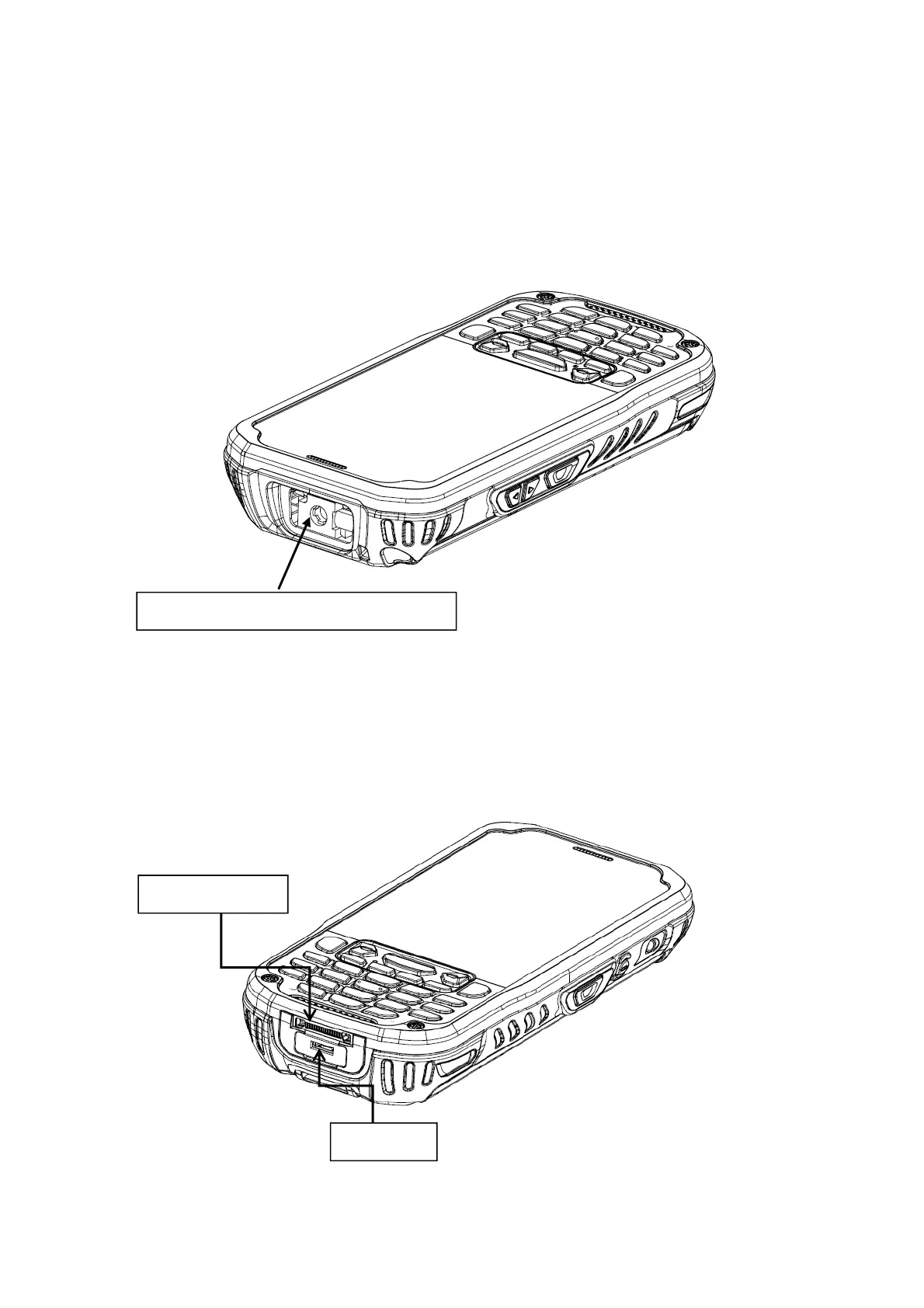
4.13. Top Panel Layout
Image Engine Window
The angled image engine reads and decodes most popular bar code symbolizes.
For more information, see Using the Image Engine on paragraph 6.
4.14. Bottom Panel Layout
HandyLink Connector
The HandyLink mechanical connector is designed to work exclusively with HANDY
Image engine window (with engine)
I/O connector
USB port



 To Next Page