66
WARNING:
DO NOT attempt to charge damp/wet handy terminals or batteries. All components must be dry
before connecting to an external power source.
AVERTISSEMENT : NE PAS tenter de recharger des terminaux ou des batteries encore humides ou mouillés.
Tous les pièces et parties doivent être sèches avant la connexion à une source d'alimentation externe
13.3.
Front Panel
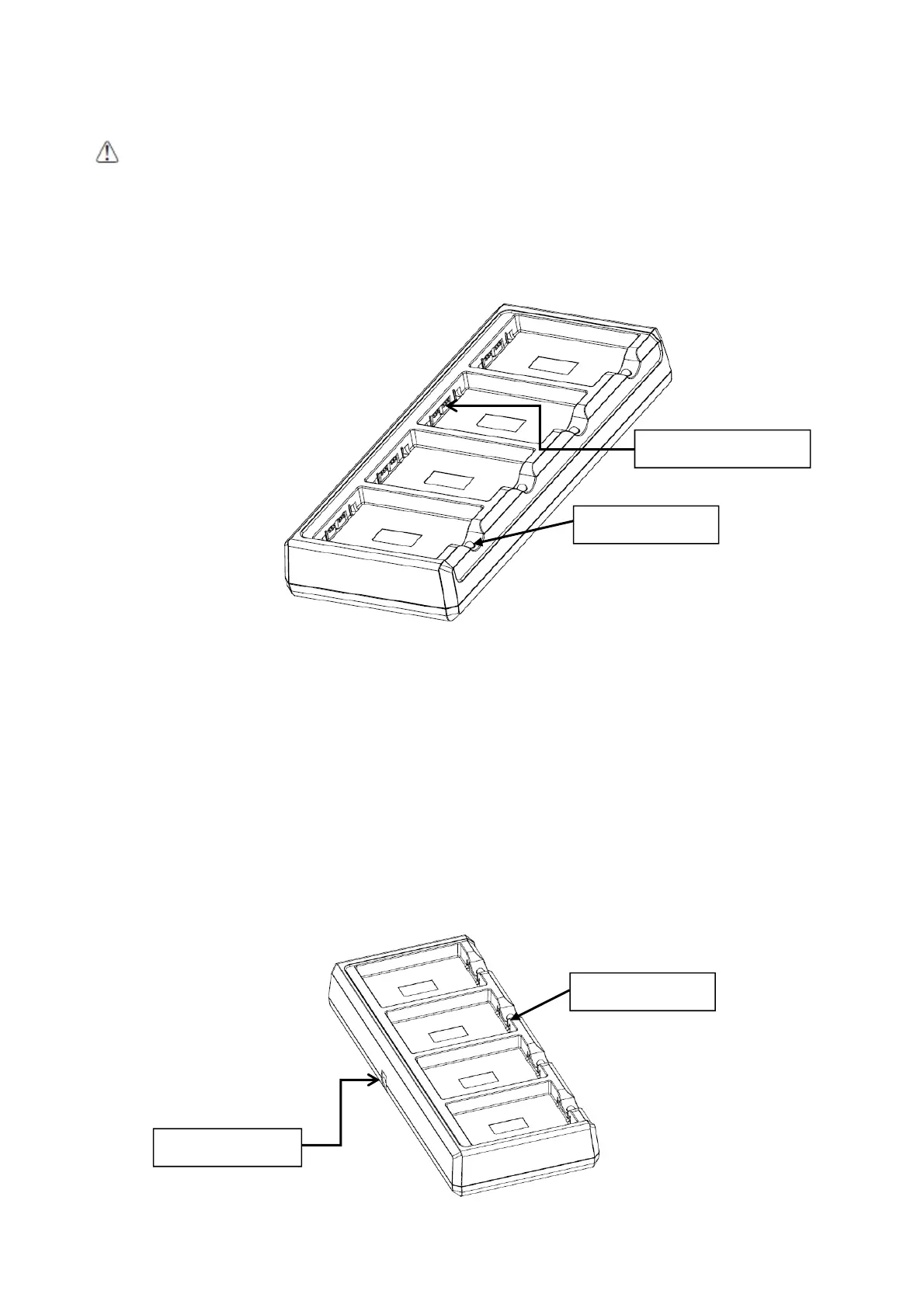
Charging Slots
The charger contains four charging slots. Each slot holds one battery. When a battery is placed
in a slot, it immediately begins charging and its Status LED lights.
Rubber Feet
The bottom panel has six rubber feet to stabilize the unit on a flat surface. You can set the
charger on a dry, stable surface, such as a desktop or workbench near an electrical outlet.
Charging LED
If the LED is red, the unit is charging; if it is green, the charge is complete.
13.4.
Back Panel
Battery connector
Charging LED
DC power jack
Charging LED



 To Next Page