Turn ON/OFF
INSTRUCTION
Pause / Continue
When the machine is in operation, press key to pause. Press the key to
continue the cleaning.
Sleep / wake up
After more than 10 minutes without operation, the machine will automatically
and press any key to wake up the machine.
- Long press key to start, the power indicator is on, the robot enters the
standby state.
- Long press
key to shutdown,
Note: The robotic vacuum cleaner cannot be shut down while charging.
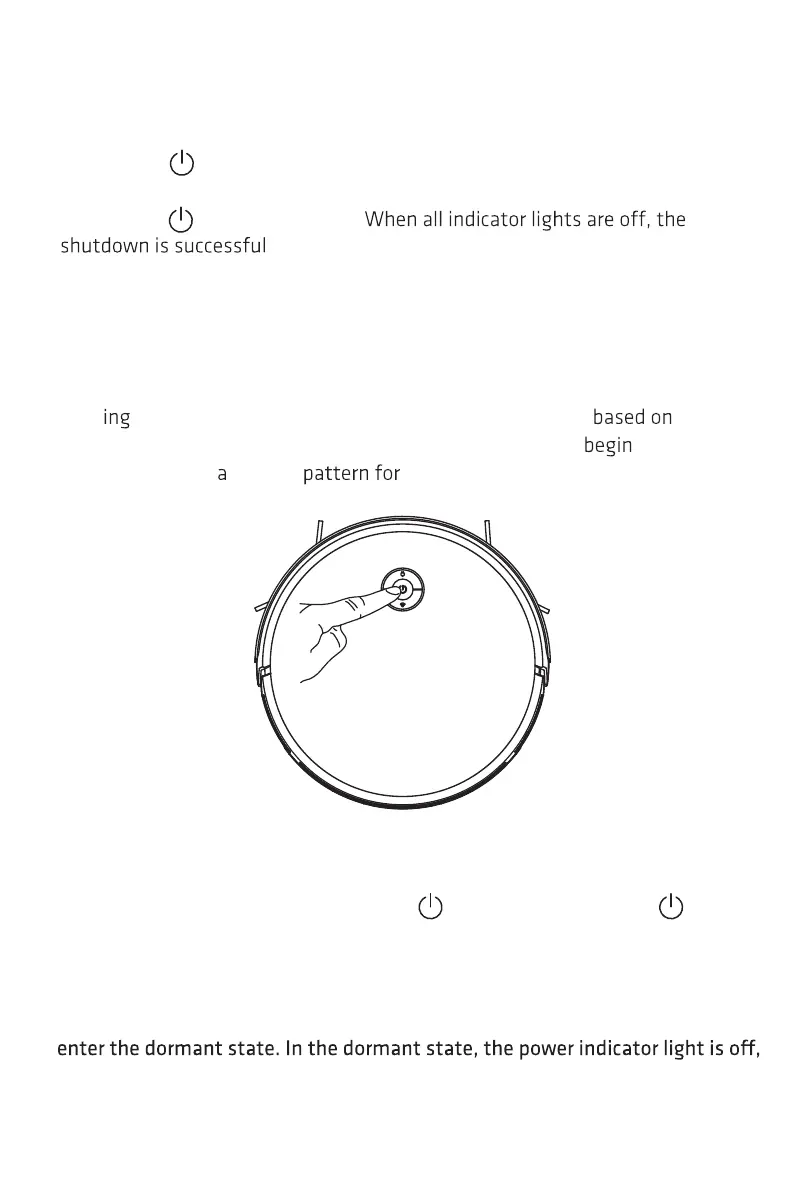
Start cleaning
- Short press the key on the robotic vacuum cleaner to start cleaning. After
start
, the device will dynamically plan the cleaning route the
scanned map. In the selected cleaning area, the device will
along the wall
and then clean in zig-zag orderly and ecient coverage.
16



 To Next Page