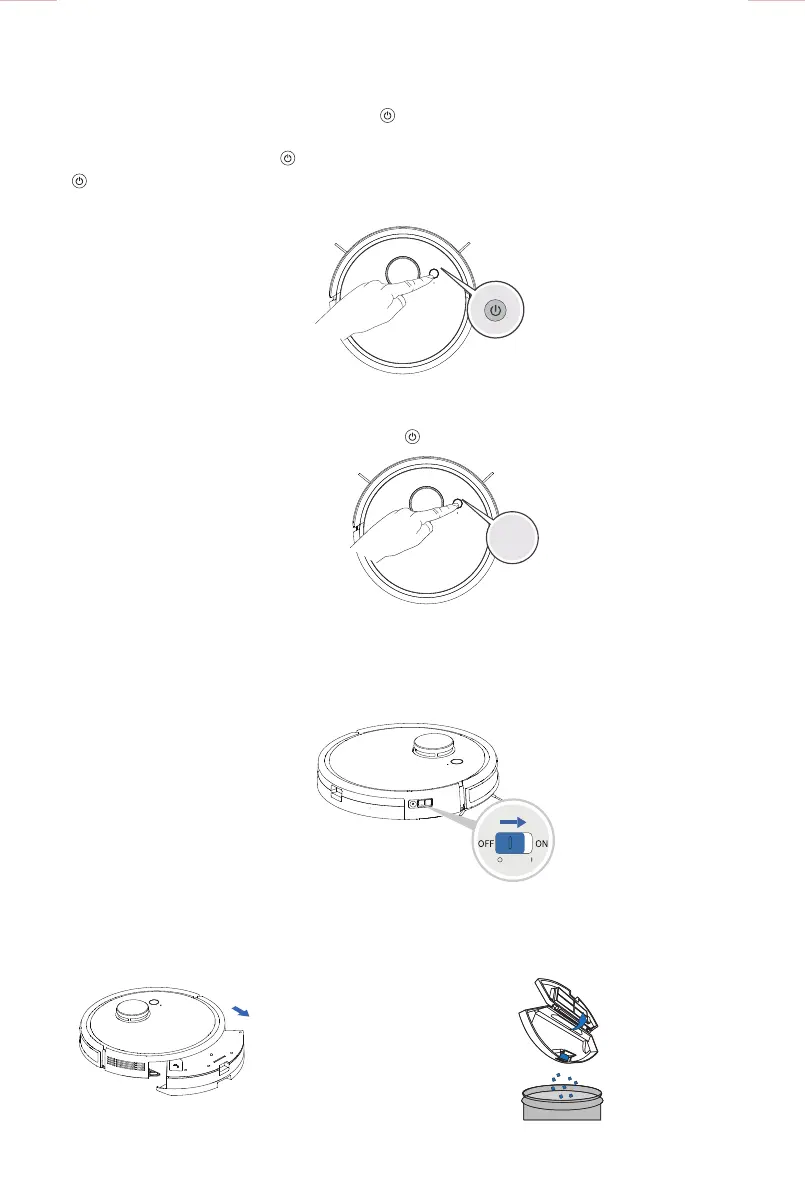
■ Pause / Waking up
■ Charging
Parts maintenance/ Dust collector and filter
1>Remove the dustbin 2>Open the dustbin, throw out the garbage
■ Power o
Tips:
After finished working, it is recommended not to shut down but to keep the appliance in charge state for
better next operation.
●Turn the power switch on the side of the appliance to “O”, to power o. (“I” means power-on; “O”
means power-o).
●Stop the working appliance first, then long press button for more than 3 seconds. The appliance
will return to the charging dock.
● When the appliance is working, shortly press button to pause it.
● When the appliance paused for more than 10 minutes, all the indicator lights on the cover will turn o.
To restart working, shortly press button to wake up the appliance. After the indicator light is on, press
again to start the appliance to continue the original work, or directly start the appliance work through
the APP operation.
3 seconds
12



 To Next Page