PoKeys Mach3 plugin
Installing plugin
In order to install PoKeys Mach3 plugin, simply copy the Pokeys.dll to the Mach3 plugin folder (by
default C:\Mach3\Plugins\). Also, install the latest PoKeys software using the provided setup file.
PoKeys Mach3 plugin existing functionality
- 3-/4-axis CNC machine support
- Support for PoKeys55, PoKeys56U, PoKeys56E and PoKeys57E devices
- Mapping of PoKeys digital inputs to Mach3 OEM LEDs and OEM buttons
- Mapping of Mach3 OEM LEDs to PoKeys digital outputs
- Mapping of PoKeys encoders to Mach3 DROs
- Support for matrix keyboard
- Support for kbd48CNC keyboard on I2C address 1
- Support for PWM outputs
- Support for alphanumeric LCD display
- Support for analog inputs (analog joystick, analog to DRO mapping, offsets and gains
adjustment, automatic calibration)
- Support for IO mapping (Mach3 native input-output pins, additional 100 Mach3 IO device
pins - device name PoKeys_{serial number})
- Dedicated menu for each device
- Support for pendant with the activation switch
- Usage of PoKeys Pulse engine (available on PoKeys56U and Pokeys56E devices) as external
motion controller for Mach3
- Safety charge pump output on pin 53
- External motion controller homing support
- Soft-limits and limit-override support
- Probing support
Configuring plugin for the first time
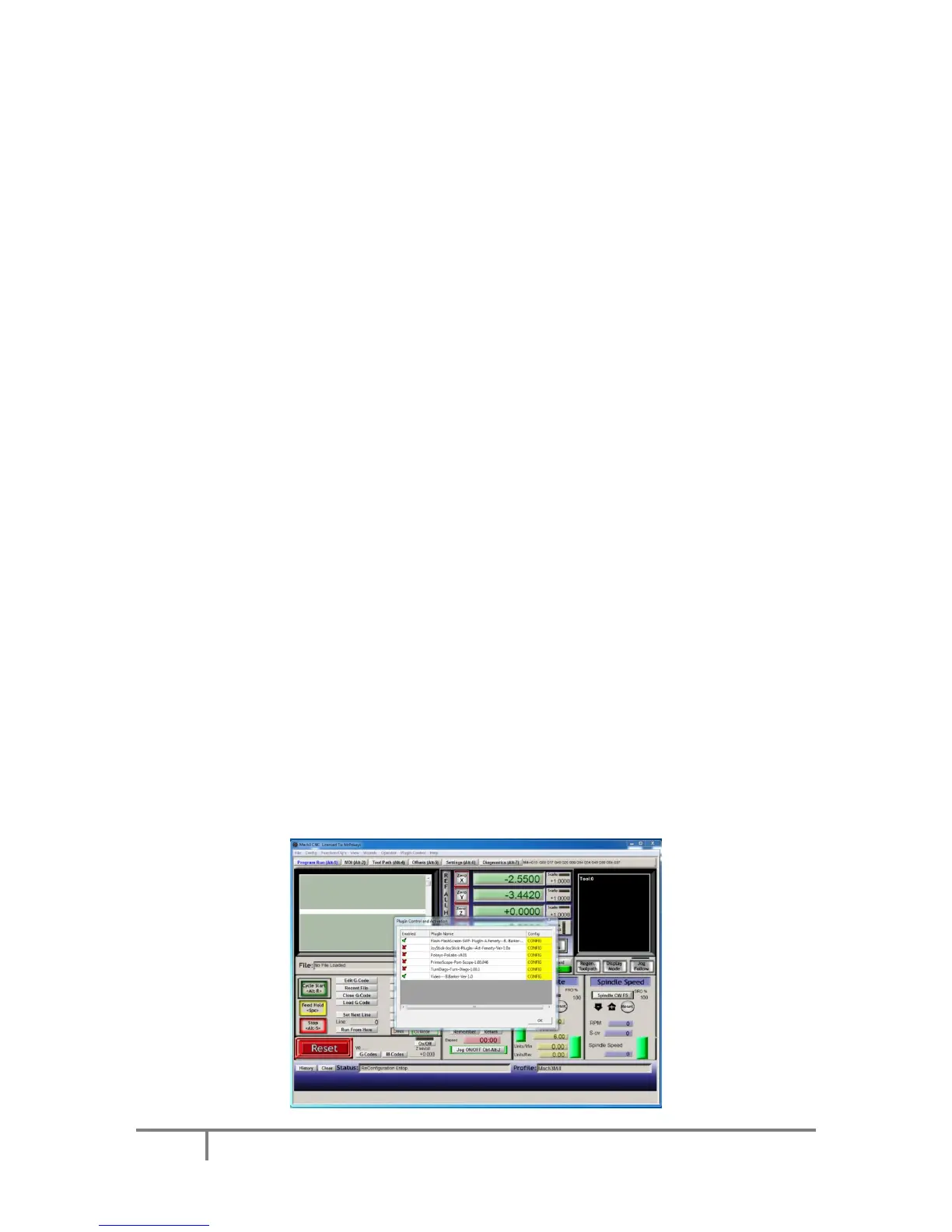
Open Mach3 and go to Config -> Config plugins.. The following dialog will appear.



 To Next Page