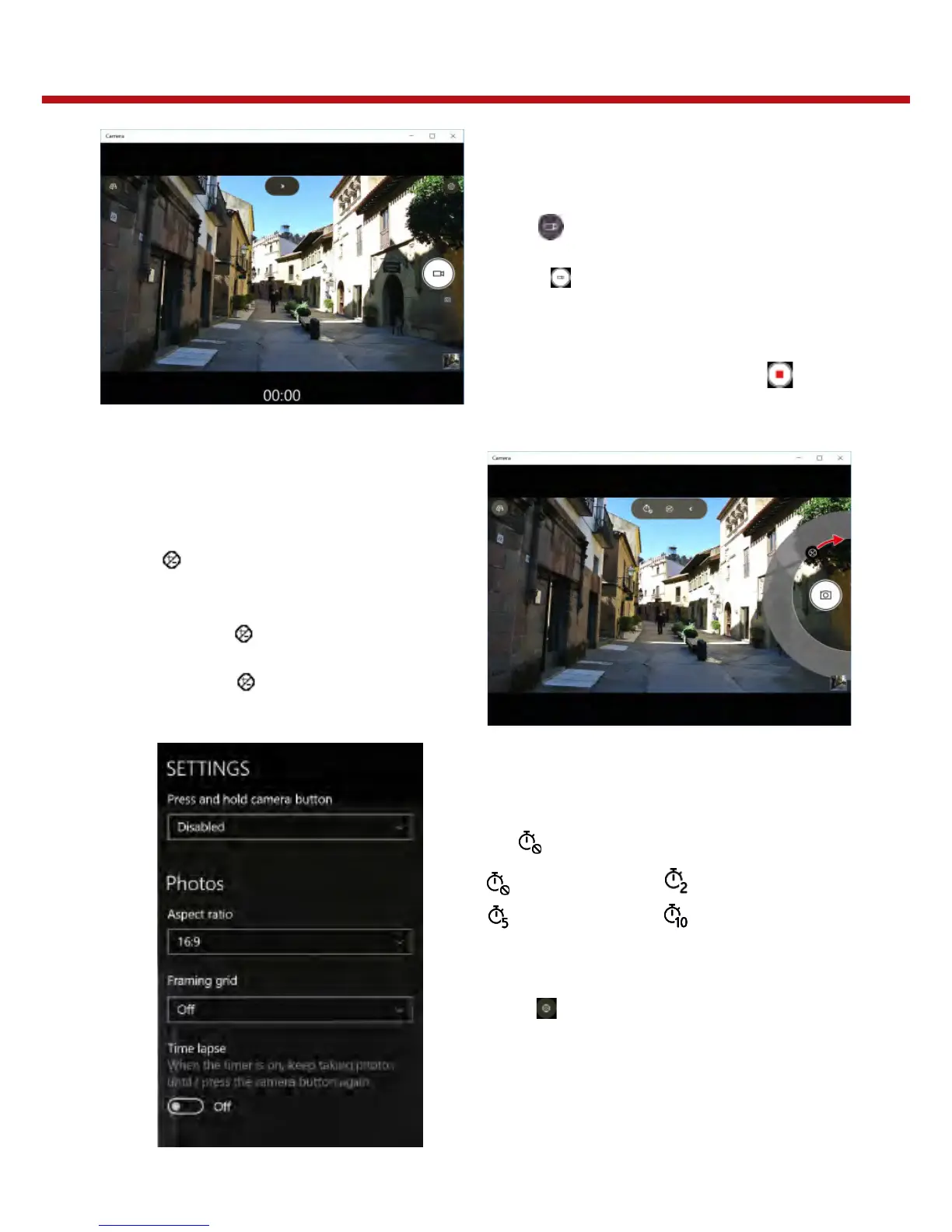
Recording Videos
1. Tap to witch to Video mode.
2. Press to start recording a video.
The recording time appears on the
bottom on the screen.
3. To stop recording the video, tap.
Recording Videos
1. Tap > to switch to Pro mode.
2. Tap to display the brightness control slider.
3. Do the following:
- Tap and drag upwards to brighten your
photo or video.
- Tap and drag downwards to darken
your photo or video.
Setting Photo Timer
Tap to toggle the desired time delay.
: Self-timer is off : 2-sec self-timer
: 5-sec self-timer : 10-sec self-timer
Configuring Camera Settings
1. Tap to enter the Settings menu.
2. Select the desired menu option & setting.


 To Next Page