17
MY HEART RATE
Here you can quickly check your current heart rate without starting a training session. Just tighten your wrist-
band, tap the icon and you'll see your current heart rate in a moment. Press the side button to exit.
FAVORITES
In Favorites you'll find training sessions you have saved as favorites in the Flow web service. If you've not
saved any favorites in Flow, this item is not in the A360 menu.
For more information, see Favorites.
WATCH FACES
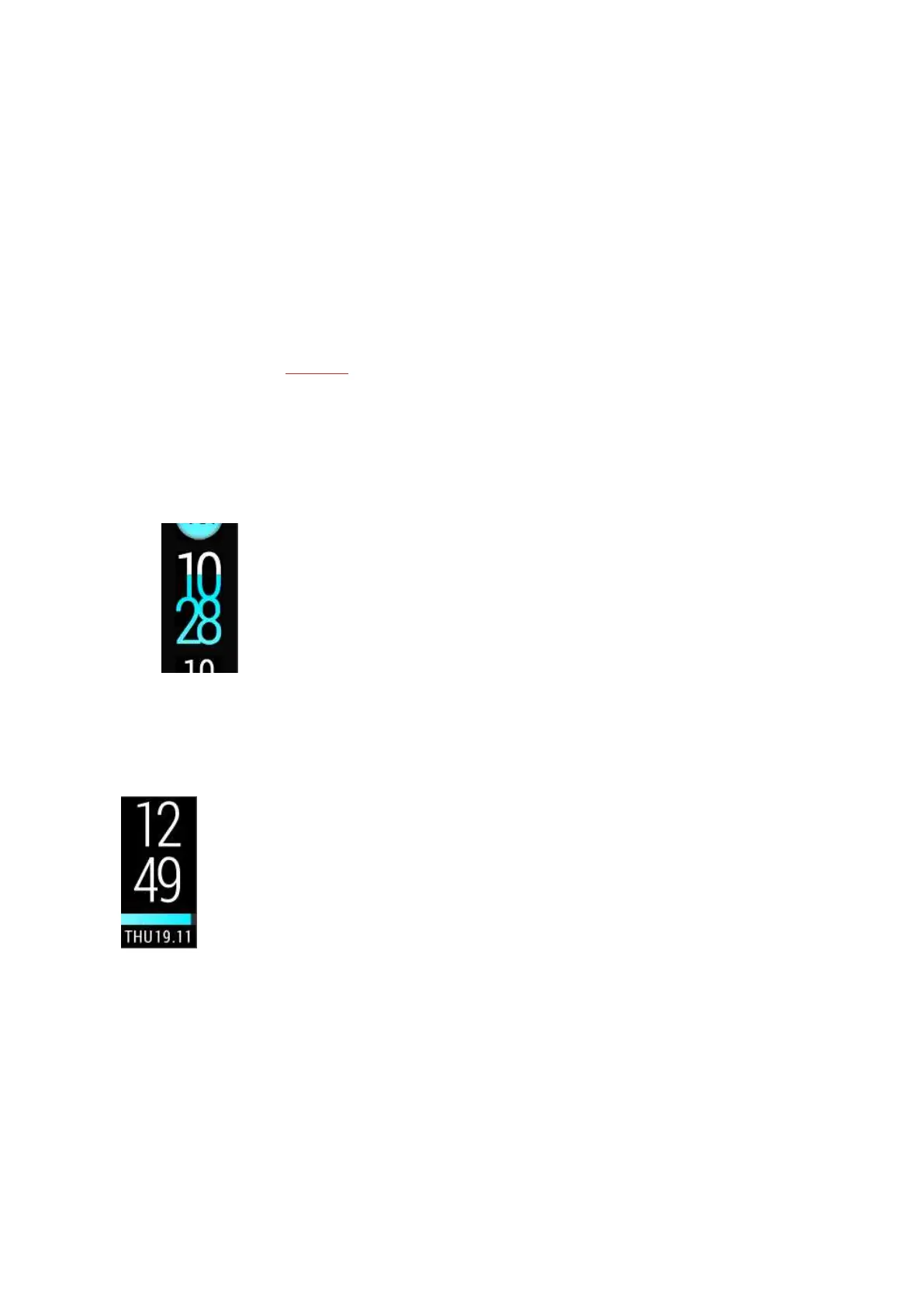
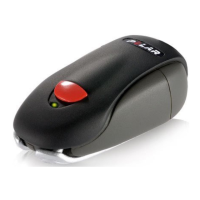
To change the watch face of your fitness tracker:
1. Tap and hold the touch display with your finger until you see a thumbnail menu of the watch faces:
2. Swipe up or down to see them all and tap the one you choose.
Here are the options:
l Vertical clock and date
l Activity bar filling from left to right


 To Next Page