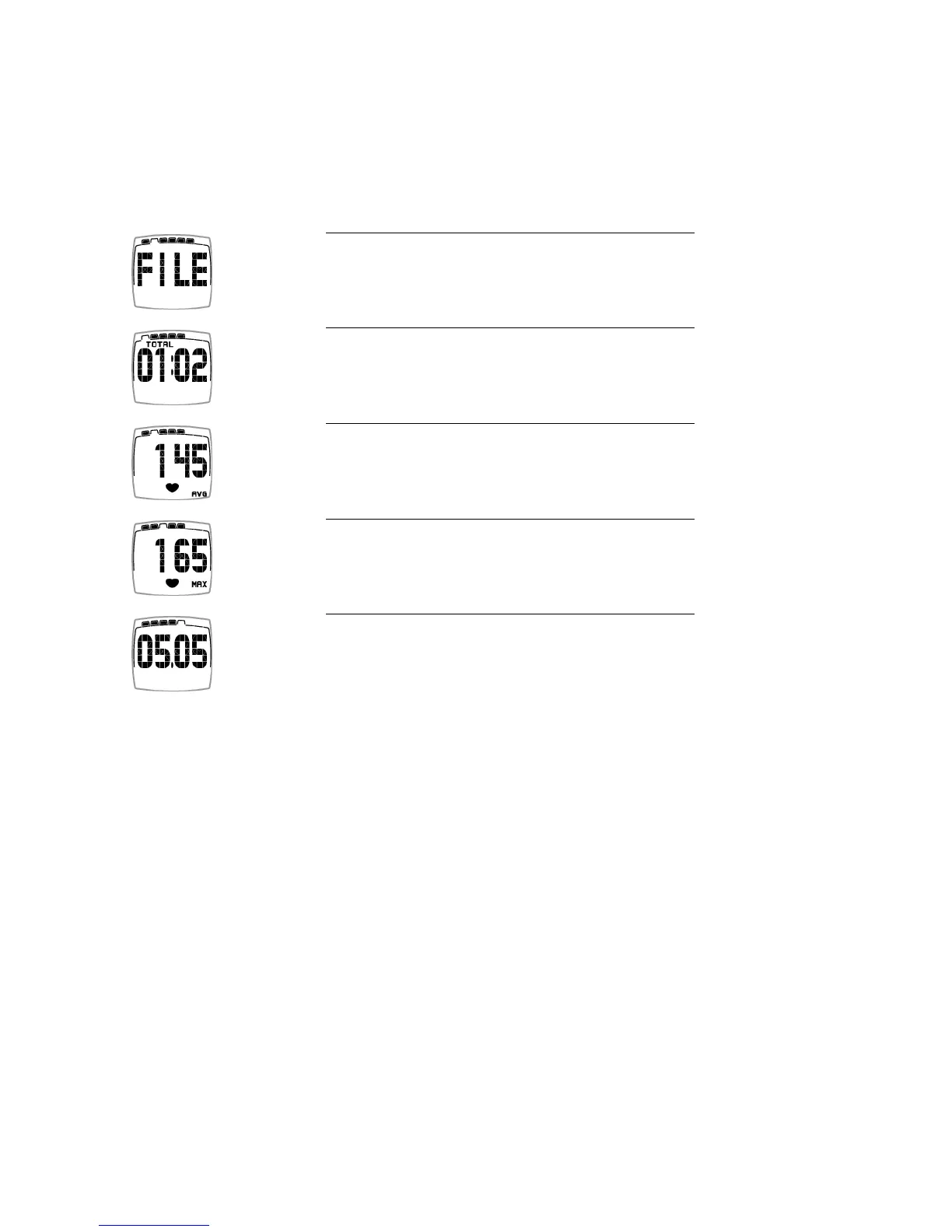
4. VIEW TRAINING FILE
Your latest training information remains in the memory of the training computer under FILE until you record
a new training session. The information in the file is then replaced by the current one.
FILE is protected against accidental starts, and only recordings that last more than one minute are saved.
1. In the Time display, press the button twice.
FILE is displayed.
2. Wait a while and the total training session duration is
displayed.
3. Press the button. Your average heart rate (AVG) of the
training session is displayed.
4. Press the button. Your maximum heart rate (MAX) of the
training session is displayed.
5. Press the button. The date of your latest training session is
displayed.
Press the button to return to the Time display.
ENGLISH
12 View Training File







 To Next Page