21
Polaroid PDC 2150 Digital Camera User Guide
www.polaroid-digital.com
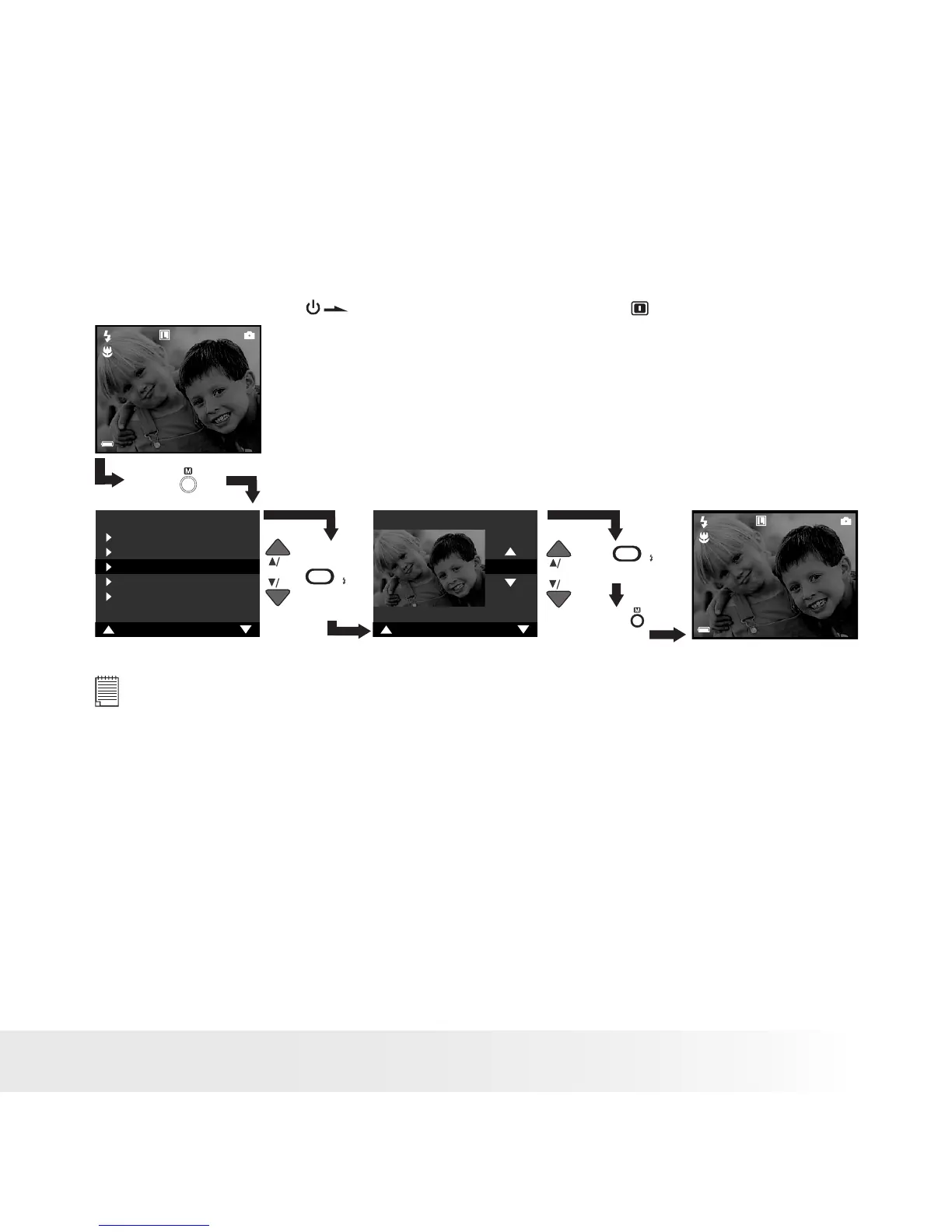
• Exposure Compensation
You can adjust the exposure compensation value (EV) within the range from
-2EV to +2EV in order to compensate for current lighting conditions. This
setting can be used to obtain better result when shooting with backlighting,
indirect indoor lighting and a dark background, etc.
Turn on the camera , set the mode selector to
Press
Press
SETSET
to Conrm
Press
to Exit
Press
SETSET
to Conrm
NOTE:
• A higher EV value is better used for light-coloured and backlit subjects. A
lower EV value is better for dark-coloured and shooting outdoors on a clear
day.
• When shooting under very dark or very bright conditions, you may not be able
to obtain satisfactory results even after performing exposure compensation.
• Exposure compensation returns to its standard default setting (AUTO) after
you take a picture.



 To Next Page
 Loading...




