10
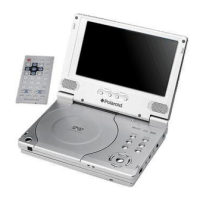
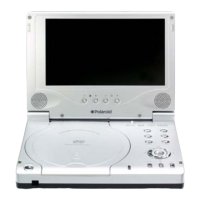
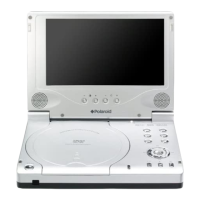
Right Side View
1. Volume Control
Use to adjust the volume of the headphone and speaker.
2. Headphone Jack
Use to connect headphones for private listening. When headphones are connected
to this jack, the speaker will be turned off automatically.
3. Audio Output Jack
Used for audio output.
4. Video Output Jack
Use for connecting to an external monitor.
5. DC 9.5V Input Jack
Used to connect the power adapter, including the car adapter.
6. OPEN Switch
Push to open the disc tray cover.
7. Disc tray cover
When the disc is loaded gently press the cover to close it.
View of Side Panels



 To Next Page
 Loading...