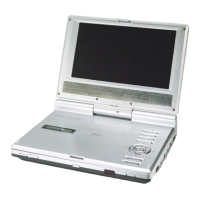
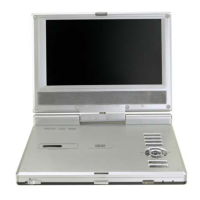
8
1.
(PLAY/PAUSE) button
Press once to pause playback; press again to resume the playback.
2. ■ (Stop) button
Press to stop playback. Press
button to resume playback from the stopped spot.
Press twice to stop playback completely.
3. SLOW button
Press to activate slow playback function.
4. A-B Repeat button
Press to play a certain selected segment repeatedly.
5. TITLE button
Press to display the title menu if it exists in the disc.
6. MENU button
Press to display or cancel the menu.
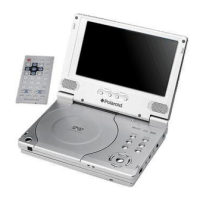
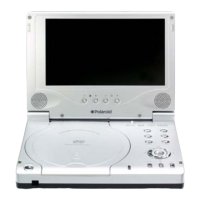
View of Front Panel



 To Next Page
 Loading...