geneo+U
13
APPLICATOR INDICATIONS
The Applicators must be connected and locked to the System before they can be activated.
• Green LED is ON - Indicates the applicator is properly connected and the system identies it.
• Green LED is blinking - Indicates a session was selected and the program is loaded on the
applicator.
• Blue LED is ON - The START key was pressed. A treatment program is running.
When system is operated, verify that all above LEDs are operative.
TURNING THE GENEO
+U
OFF
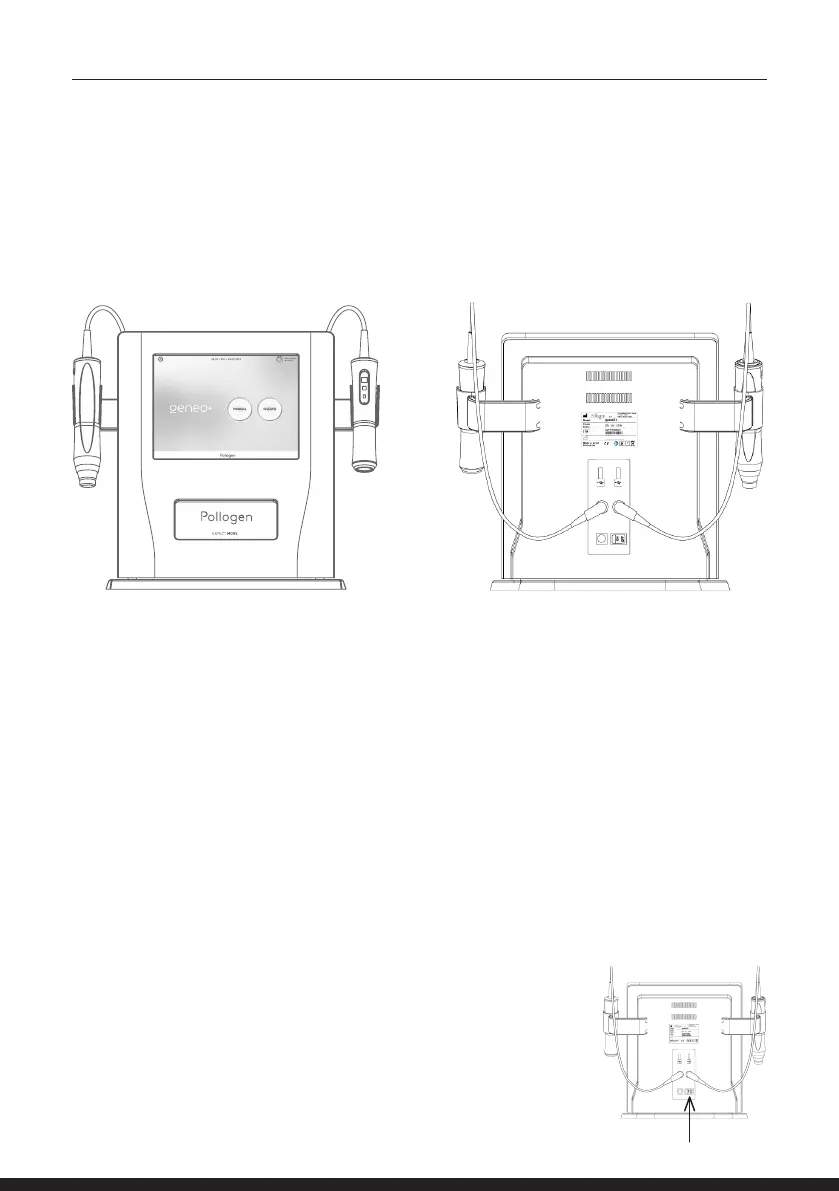
Switch the ON/OFF control at the back of the system.
Remove Power Supply from electrical outlet
and disconnect from the geneo+U back panel.
POWER UP SEQUENCE AND SYSTEM CHECK
Before turning the geneo+U on, verify that the power supply is connected to the system inlet on the
back panel and to the power outlet. The system should only be used with the supplied power supply.
Switch the ON/OFF control to the ON position on the back panel.
NOTE: After the ‘geneo+U by Pollogen’ uploads, the screen will become white and then black with
SCREEN TEST heading as part of the system’s self-system check. Verify that the screen is in good
quality during these rst few seconds of the system upload.
Following system check, the ‘Pollogen Intelligent Biology’ animation will appear.
Once you have reached the home screen, the system is ready for use.
Store your geneo+U and its accessories in a cool, dry place.



 To Next Page