60
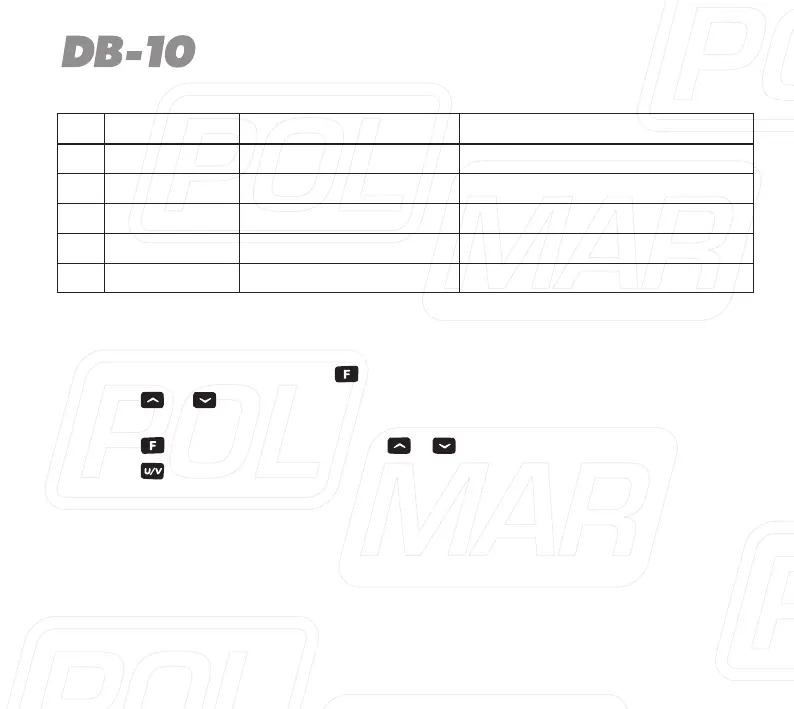
No. LCD Display Available Value Description of Function
33 OFFSET 0.000 - 99.995 MHz Repeater Shift (Under VFO mode)
34 STEP 5K / 6.25K / ... / 25K VFO Step
35 N/W WIDE / NARROW Select Channel Spacing
36 SEEK 67.0 / CTCSS Scanning
37 SEEK D023N / DCS Scanning
Menu Operation
1. Under standby mode, press to enter menu setting, LCD displays “MENU”.
2. Press
or
, to select the desired menu item, LCD display current setting
of selected item.
3. Press , to enter and then press
o
to select the desired setting.
4. Press to exit and return to the standby mode.


 To Next Page