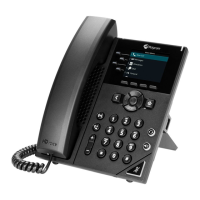
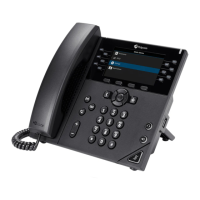
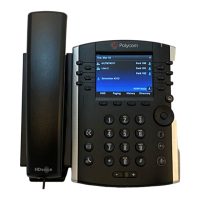
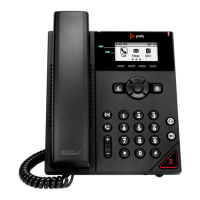
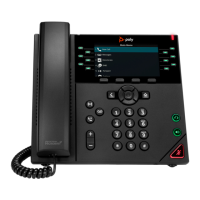
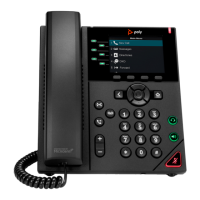
Note: Some steps, screenshots and options may differ slightly depending on the application,
browser, operating system and software version you are using.
People and contact lists
1. Tap the people Menu and then tap the Arrow key, select a group to
view all users in that group.
2. Add a new contact by tapping on the Add New icon, search for a user
in your directory, select the group to add them to and save the
change.
3. Contacts can also be saved as speed dials or favourites.
Updating presence status
1. To show if you are available or not for a call select Menu.
2. Tap on your current status and choose a new status from the list.
Setting a status message
1. To add a status message, select Menu and click on Set status
message.
2. Enter a message and select Submit.
Phone lock
1. To lock your phone while you are away from your desk, click on Menu
and go to Settings then Device Settings.
2. Enable the option and set a 6-digit PIN, then select the timeout period
required.
Learn more
• Getting started with CCX400 >
Discover more at the BT support centre >



 To Previous Page