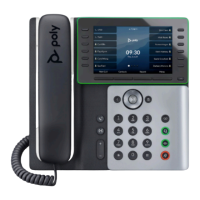
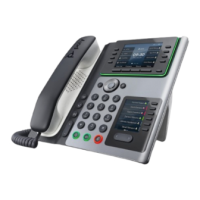
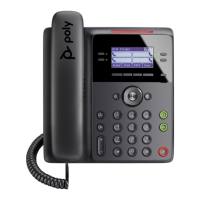
Poly Edge E500/E550
Quick Reference Guide
Services not available everywhere. Business customers only. Lumen may change, cancel or substitute products and services, page 3 of 3
or vary them by service area at its sole discretion without notice. ©2023 Lumen Technologies. All Rights Reserved.
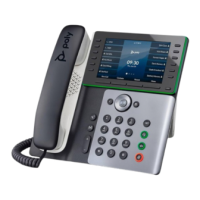
Phone navigation
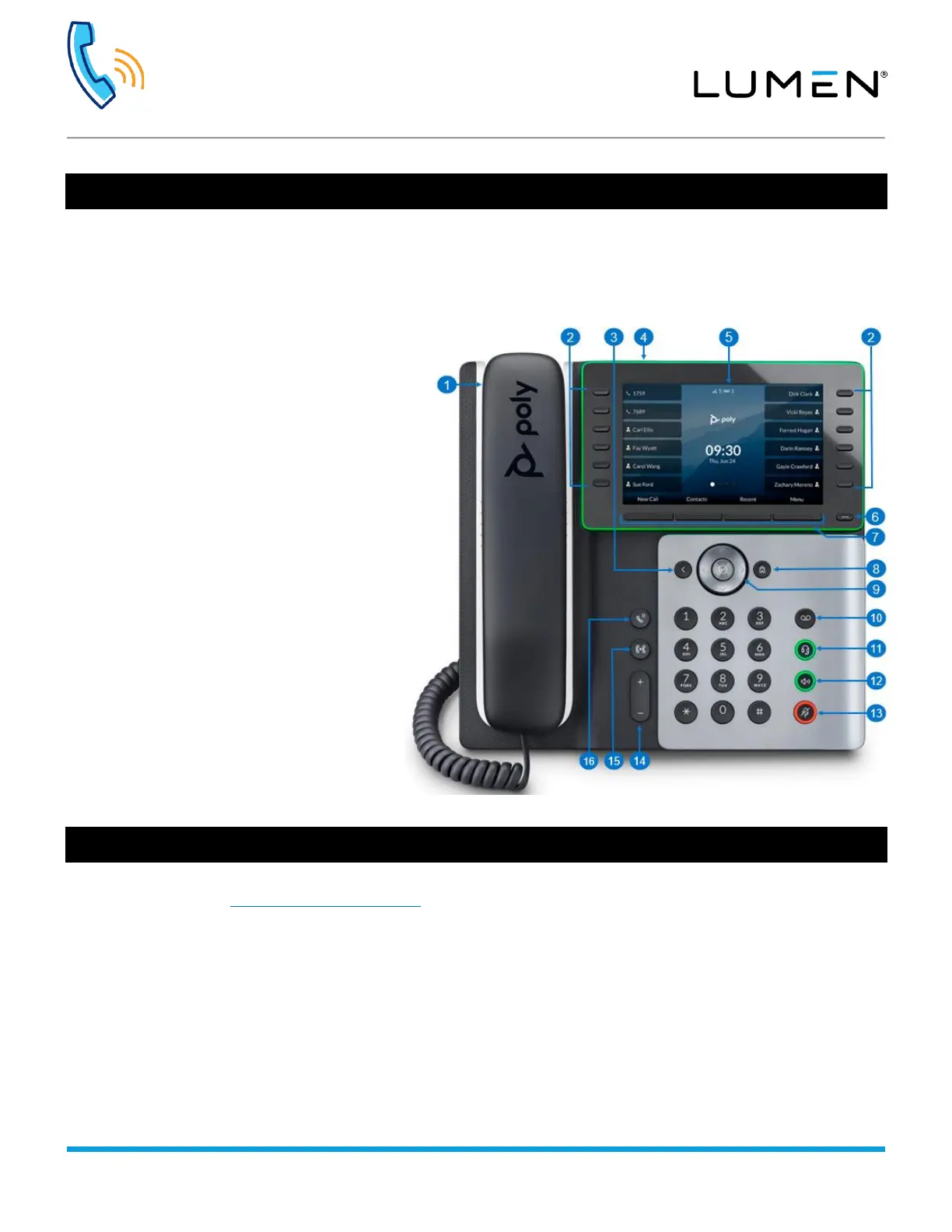
1) Handset
Microban
®
antimicrobial protection helps your handset resist the growth of microbes such as bacteria and mold.
2) Line keys
E500 & E550: 12
Note: Line assignments are limited to 32.
3) Back button – Return to previous screen
4) LED bar: Visual indicator of call/phone status
• Incoming call – blinking green
• Active call – solid green
• All calls on hold – blinking red
• Voicemail – blinking red
• Idle mode – blinking yellow
• Bluetooth discovery mode on E550 – blue chase
animation (E500 does not support Bluetooth)
5) Color display
6) Pagination key
To view additional line screens
7) Softkeys
Context-sensitive keys that change depending on
your phone’s status
8) Home
9) Navigation and select buttons
10) Voicemail
11) Headset
12) Speakerphone
13) Mute
14) Volume
Controls handset, headset, speaker and ringer volume
15) Transfer
16) Hold
Hosted VoIP online accessories store
Order Hosted VoIP accessories such as headsets, power bricks, wall mount kits and more from our online store.
Start browsing today at lumen.com/hostedvoipstore.


 To Previous Page