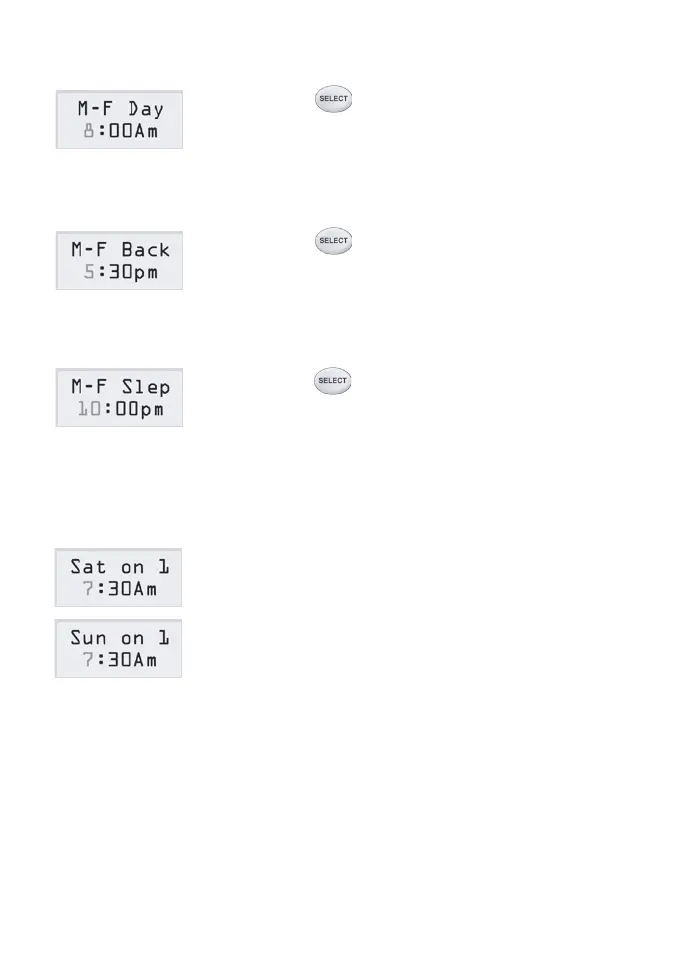
11) Press button again, the LCD will show
the start time of the Day event of the program
for Monday to Friday.
12) Follow step 4) to 10) to set the start time and
cooling/heating setpoint of Day event or
disable the event.
13) Press button again, the LCD will show
the start time of the Back event of the program
for Monday to Friday.
14) Follow step 4) to 10) to set the start time and
cooling/heating setpoint of Back event or
disable the event.
15) Press button again, the LCD will show
the start time of the Sleep event of the program
for Monday to Friday.
16) Follow steps 4) to 10) to set the start time and
cooling/heating setpoint of Sleep event or
disable the event.
17) Follow steps 3) to 16) to adjust the Saturday
program.
18) Follow steps 3) to 16) to adjust the Sunday
program.
19) It will return to the normal operation mode
itself in 15 seconds with no key being pressed.
Page 12



 To Next Page