
 Need help?
Do you have a question about the Polycom 2200-48820-025 and is the answer not in the manual?
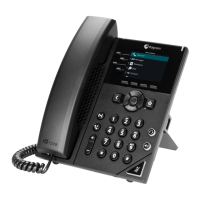
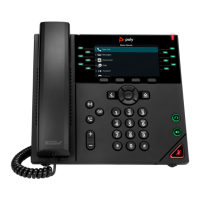
The Polycom VVX 250, 350, and 450 Business IP Phones are designed to provide comprehensive communication functionalities for business environments, supporting UC Software 5.8.0. These phones offer a range of features for call management, conferencing, directory services, and personalized settings, ensuring efficient and flexible communication.
These IP phones serve as primary communication devices, enabling users to make, receive, and manage calls. They support various call handling features such as placing calls, answering calls, ending calls, holding and resuming calls, and transferring calls. The devices also facilitate conference calls, allowing multiple participants to join and be managed. Users can access and manage their contacts through a built-in directory and listen to voicemail messages. Additionally, the phones offer features like call forwarding and Do Not Disturb (DND) to manage incoming calls according to user preferences. Ringtones can be customized for both general incoming calls and specific contacts. The user interface is designed to be intuitive, with a Main Menu screen providing access to settings and device information, a Calls screen for managing active and held calls, and a Lines screen displaying phone lines, favorites, and conditional soft keys.
The document specifies that these quick tips apply to the Polycom VVX 250, 350, and 450 models, running UC Software 5.8.0, released in May 2018. While specific hardware specifications like screen size, processor, or memory are not detailed in this document, the software version indicates a modern IP phone platform. The conference call feature supports up to 24 contacts, which is a significant capacity for business conferencing. The Favorite Index field allows for numbers between 1 and 99, indicating a structured approach to managing favorite contacts. The system also supports multiple lines, allowing users to manage more than one call or line simultaneously.
The document does not explicitly detail maintenance features such as software updates, troubleshooting guides, or hardware cleaning instructions. However, the mention of "UC Software 5.8.0" implies that software updates are part of the device's lifecycle, likely managed through a central system. For more information about setting up and using the system, the document refers users to the Support pages at support.polycom.com, which would typically include maintenance and troubleshooting resources. The quick tips format focuses on immediate user operation rather than long-term device maintenance.





 To Next Page
 General