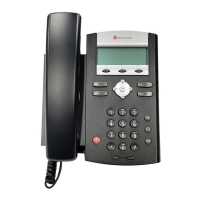
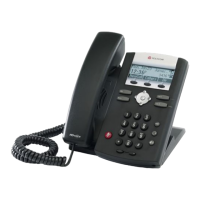
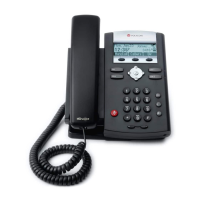
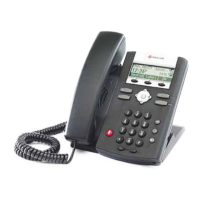
Polycom IP 330
Quick Start Guide
How to Make a Call
Using the Handset
Perform one of the following steps:
• Pick up the handset.
• Dial the number followed by #.
-OR-
• Dial the number followed by #.
• Pick up the handset.
Using Hands-Free/Speakerphone
Perform one of the following steps:
• Leaving the handset on-hook, press Dial, Line 1, Line 2, , or the NewCall soft key to obtain a
dial tone.
-OR-
• Leaving the handset on-hook, dial the number.
• Press Dial, Line 1, Line 2, or .
How to Answer a Call
Using the Handset
• Pick up the handset.
Using Hands-Free/Speakerphone
Perform one of the following steps:
• Press .
-OR-
• Leaving the handset on-hook, press Line 1.
-OR-
• Press the Answer soft key.

 Need help?



 To Next Page
 General