!
! ! ! !
!
!
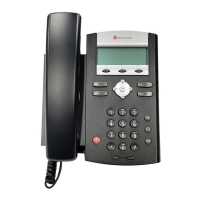
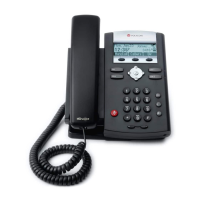
Polycom!IP!335!Quick!Reference
Redial
This only applies to last dialed numbers.
1 Press the “Dial” key
2 Use the arrow keys to scroll through the numbers
last dialed.
3 Press the “Dial” key again once you have selected
the desired number.
Do Not Disturb
1 Press the “Menu” key
2 Use the arrow keys to scroll through and select
“Features”, then select “Do Not Disturb.” The Do
Not Disturb icon will appear to confirm that Do Not
Disturb is enabled.
3 To turn Do Not Disturb off, follow the same steps as
above. The Do Not Disturb icon will disappear when
it is disabled.
For Technical Support
Technical support for your service is included and we’re
happy to assist with any questions or comments you
may have. Our hours are Monday – Friday, 8am – 6pm
PST and we can be reached by one of the following
methods:
1 E-mail us at support@noctel.com
2 Dial 611 from your NocTel Phone
3 Call from any phone by dialing a local support line:
Portland, OR: +1 503.764.4300
Toll-Free: +1 888.400.4521




 To Previous Page