TexJet® SHORTEE²
2
Items contained in the box
• TexJet
®
shortee² Direct-to-Garment Printer
• Standard 27x40cm Snap On Platen
• Emergency Stop Button
• Nine (9) Labeled Rellable Cartridges
• Two (2) Non Labeled Rellable Cartridges
• Five (5) Funnels
• Five (5) Syringes with adaptors
• One (1) USB Software Dongle
• One (1) USB Installation Drive
• One (1) Power Cable
• One (1) Ethernet Cable
• One (1) USB Cable
• Five (5) Transparent Nozzle Sheets
• One (1) Pipette
• Τwo (2) Swabs
| 03_STEP
To lift the printer you will need four people. Lift the printer and position it
carefully on the suitable chosen surface.
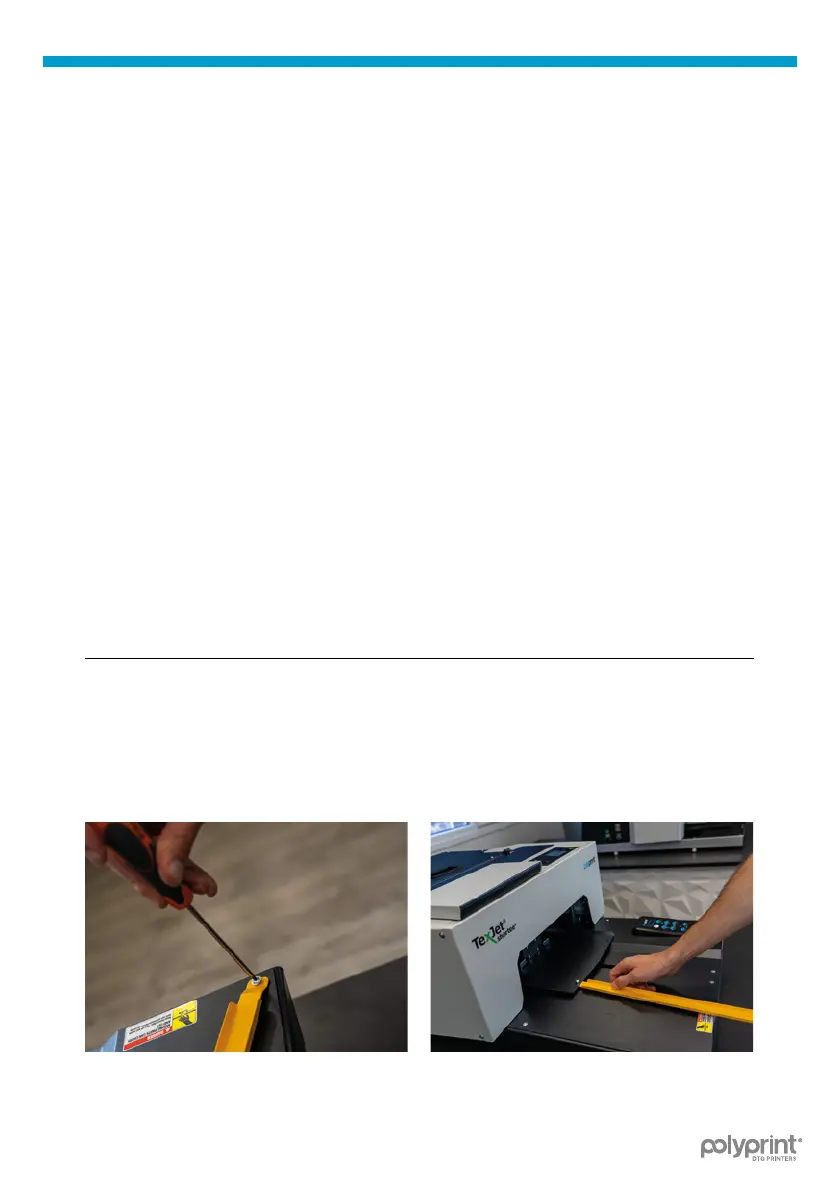
| 04_STEP
Remove the yellow safety bar and store it at a safe place.
Fig.3: Remove the screw. Fig.4: Pull the tower out slowly.



 To Next Page