TexJet® SHORTEE²
6
When printer is on Ready Status,
connect Texjet
®
shortee
2
from the
USB labeled port of the printer, to
the PC. Open the Digital Factory
Apparel Polyprint Edition and select
Printer Status and Settings from
the top bar.
Fig.10: TexJet
®
shortee² cartridge cover.
Fig.11: TexJet
®
shortee² Ink charge process.
| 01_STEP
Press the power button and select the desired language.
| 05_STEP
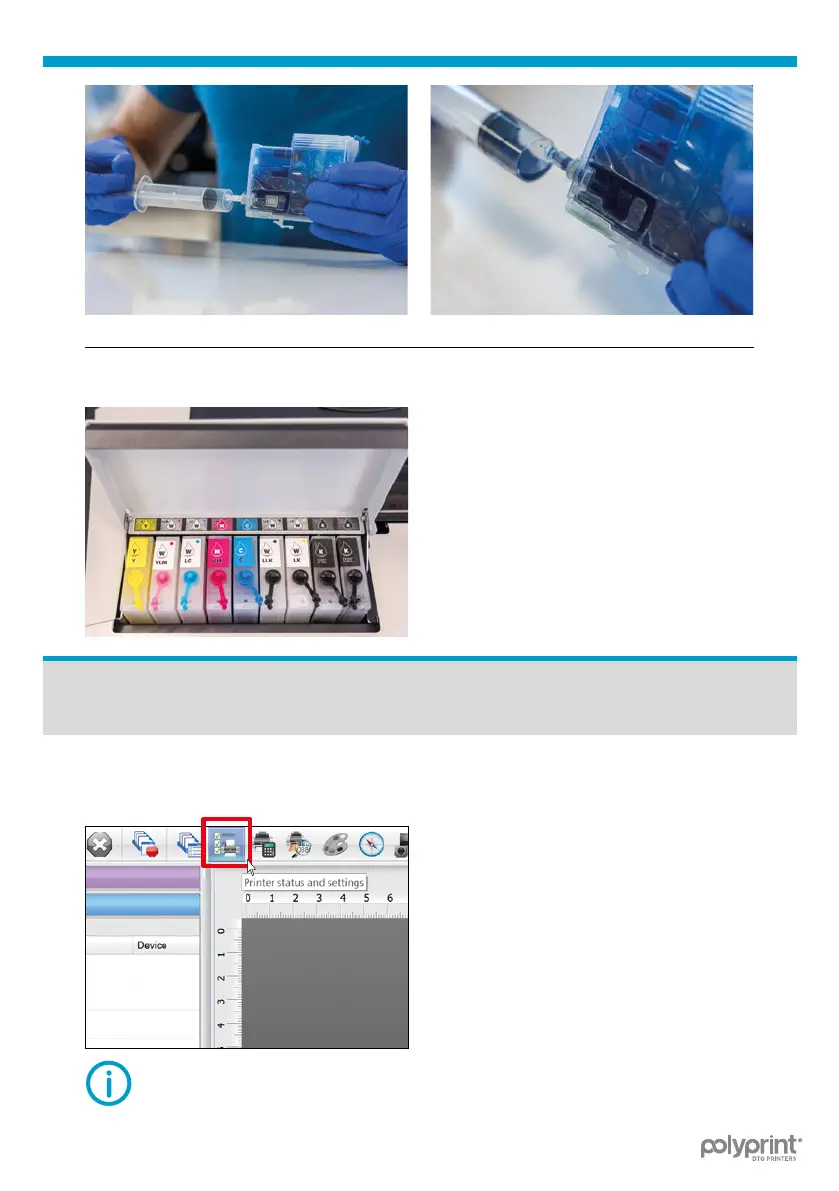
Fig.9: Ink cartridges lter lling process.
Install cartridges in the correct
socket and close the cover.
Power ON
NOTE: Follow DFA v10 installation guide for proper installation
of the software.



 To Next Page