TexJet® SHORTEE²
4
NOTE: Check that the source voltage is the same as the rated
voltage, listed on the SN – Rating plate. If the availabel power
source is different from the TexJet
®
shortee² AC rating, do not
connect it to the power source.
| 02_STEP
Connect the power cord. Turn on the blue switch on the left side of the
printer.
| 01_STEP
Shake the ink bottles for 1 minute each.
| 02_STEP
Remove the rubber seal from each cartridge and use the funnel provided
to ll it with its respective ink
Install Ink Cartridges
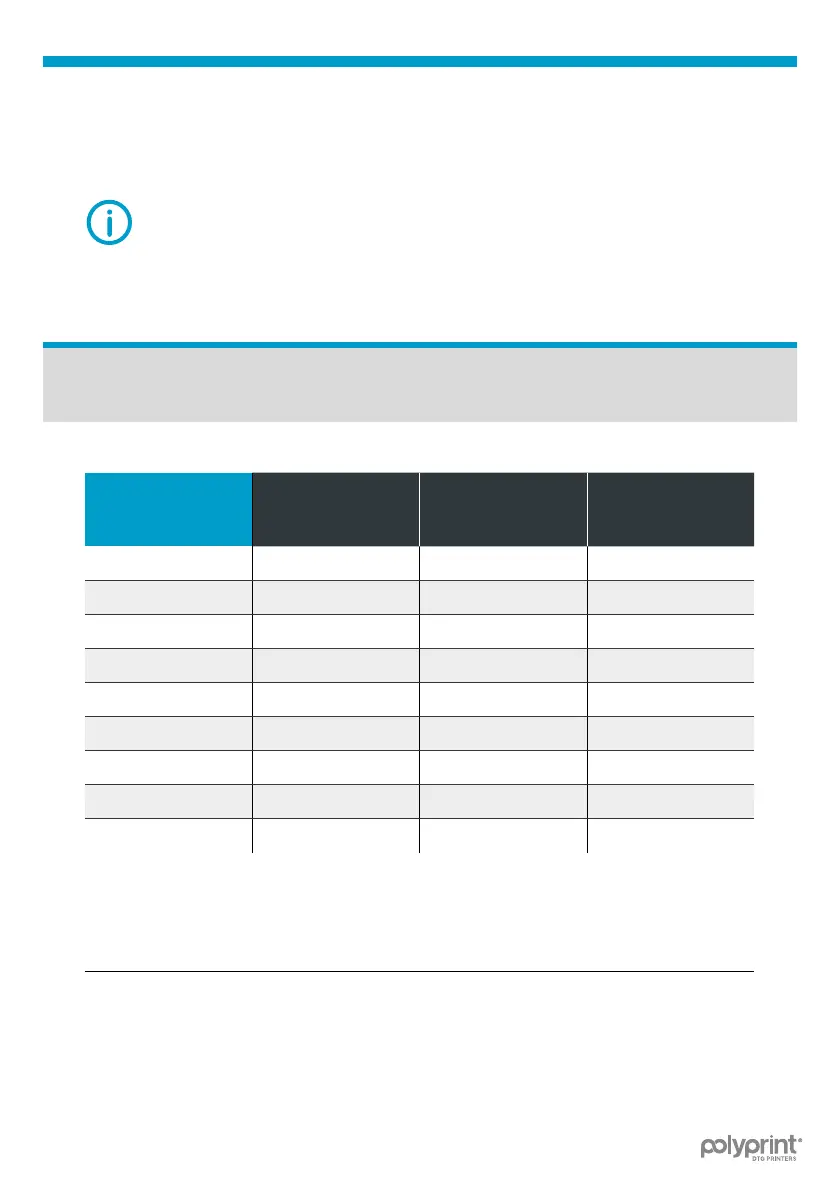
Ink Cartridges Conguration
SLOT
NUMBER
CARTRIDGE
CHIP
(CMYK+WWWW)
CONFIGURATION
(2XCMYK)
CONFIGURATION
1
(MK) Black Black
2
(PK) Black Black
3
(LK) White Yellow
4
(LLK) White Black
5
(C) Cyan Cyan
6
(VM) Magenta Magenta
7
(LC) White Cyan
8
(VLM) White Magenta
9
(Y) Yellow Yellow
Table 1: Ink Cartridges Conguration.



 To Next Page