POLYPRINTDTG.COM
INSTALLATION GUIDE
3
| 05_STEP
Remove the blue security tapes from the TexJet
®
shortee² covers.
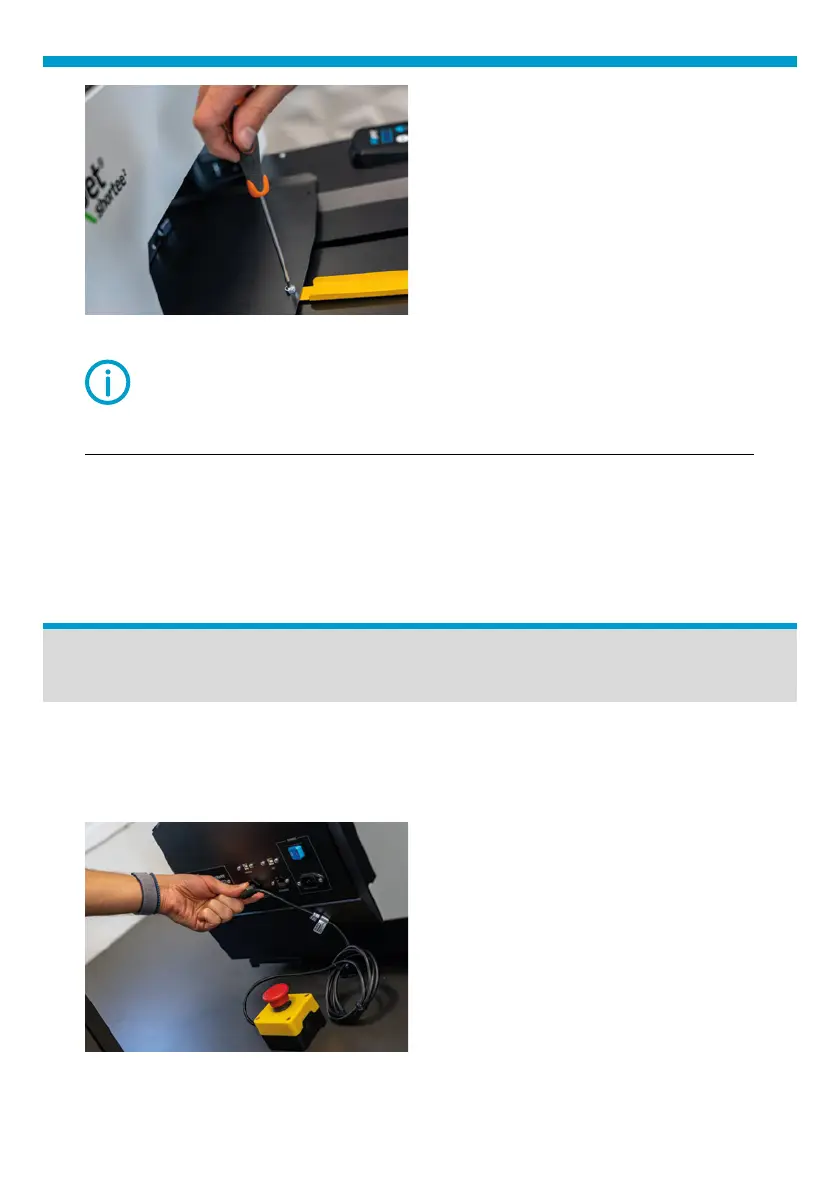
Fig.5: Remove the yellow safety bar.
NOTE: Do not throw it away, you will need it when transporting
the printer.
NOTE: Do not move the table tray fast.
| 01_STEP
Attach Snap On Platen on the TexJet® shortee² Tower.
Printer Setup
Connect the Emergency Stop
Button On the left side of the printer.
Fig.6: Connect the Emergency stop button.



 To Next Page