POLYPRINTDTG.COM
INSTALLATION GUIDE
5
NOTE:
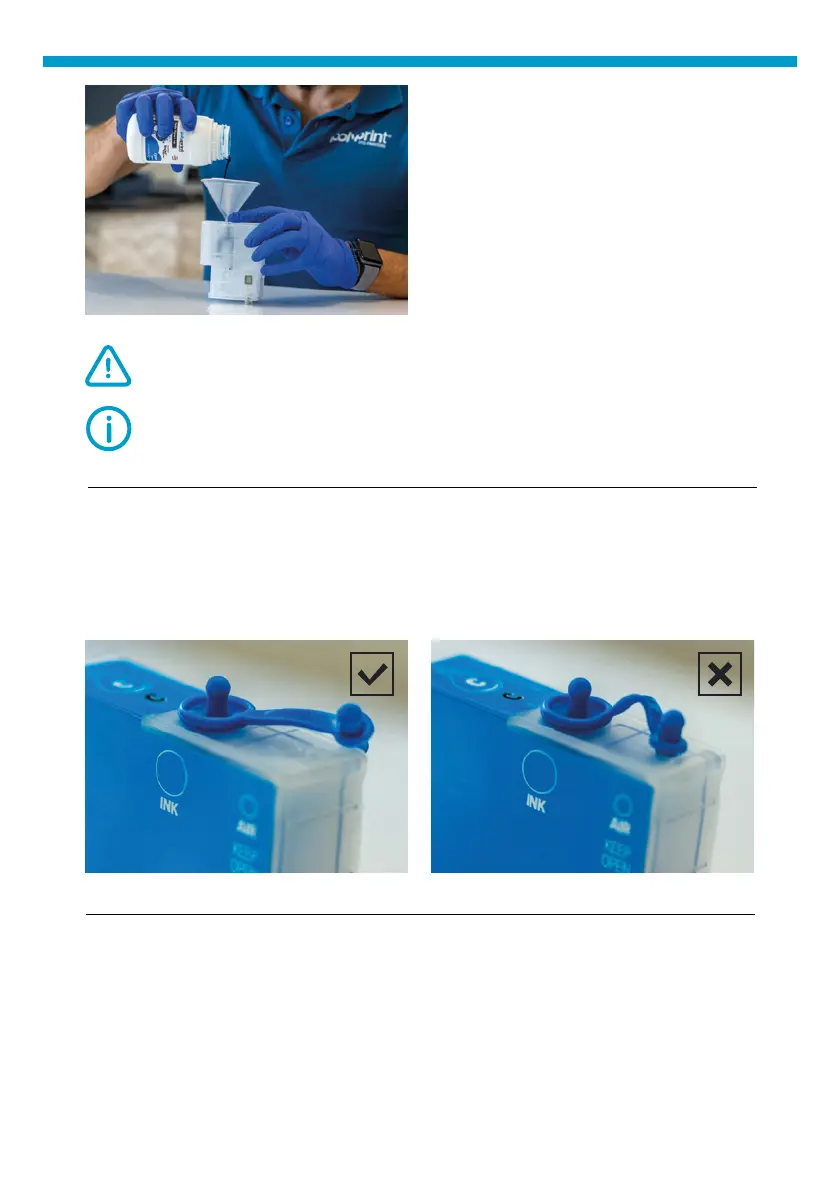
Level must not exceed the max indication on the cartridge side.
Fig.7: TexJet
®
shortee² cartridge lling process.
CAUTION:
Fill them slowly as each cartridge has many chambers.
| 03_STEP
Put back only the rubber seal that holds the ink. Make sure air supply is
not sealed.
| 04_STEP
Use a syringe to remove air from the cartridge. Hold it as shown in the
picture at next page and pull ink until cartridge lter is full of ink.
Fig.8: Ink cartridges air tap position.



 To Next Page