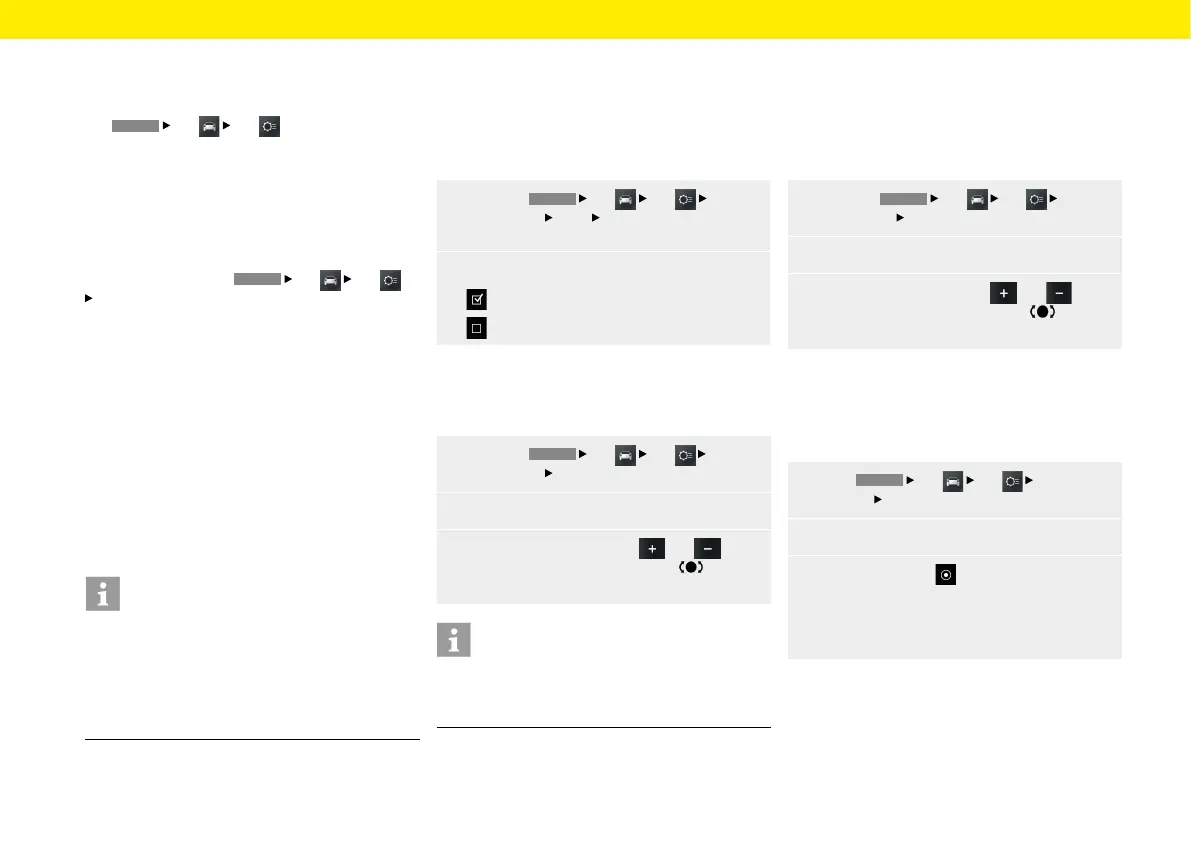
Car
Individual Memory and System
(Set)
The
HOME
Car
Set
menu oers the
settings for Individual Memory and System.
The memory function allows you to store dierent
settings for your vehicle for up to 3 ignition keys.
When the ignition is switched on, the settings
assigned to the key used to unlock the vehicle take
eect. The selection elements Light, Wiper, Climate
Lock and Screen button are available for saving your
custom settings. In the
HOME
Car
Set
System menu, you can adjust the various basic
settings of the Porsche Classic Communication
Management Plus for the following:
– Date/time
– Time synchronising
– Standby time
– Day/night mode
– Language
– Units
– Volume
– Congure PCCM Plus
– Version info
– Factory reset
Information
The "Individual Memory" function is available only
with Porsche Classic Communication Management
Plus for Porsche 911 (Type 997) / Boxster (Type
987) / Cayman (Type 987), but not for the Porsche
Classic Communication Management Plus for the
Porsche Cayenne (Type 9PA).
Daytime running lights
If this function is active, the low beam is always on
when the engine is running. This is the case regard-
less of the light switch setting. The lights forthe in-
struments and switches will continue tobeswitched
on or o by the light switch regardless of this setting.
1.
Press the
HOME
Car
Set
Individ-
ual Memory
Light
Daytime running lights
button.
2.
Daytime running lights
Daytime running lights switched on.
Daytime running lights switched o.
Fade-out time
You can set a fade-out time for your vehicle's marker
light and fog lights.
1.
Press the
HOME
Car
Set
Individ-
ual Memory
Light button.
2. Select the Fade-out time menu option.
3.
Set the required value with and
orbyturning the right-hand knob or via
the touchscreen.
Information
The setting also changes the light time when un-
locking the vehicle. Please also refer to the relevant
chapters in the owner's manual.
Orientation lights
The orientation lights illuminate the vehicle interior
decentrally in the dark. For this purpose, small
lamps are installed near the interior mirror and in the
recesses of the door handles. You can set the desired
illumination intensity here.
1.
Press the
HOME
Car
Set
Individ-
ual Memory
Light button.
2. Select the Orientation lights menu option.
3.
Set the required value with and
orbyturning the right-hand knob or via
the touchscreen.
Rain sensor
The rain sensor can be activated permanently
byswitching on the ignition as soon as the wiper
switch is set to interval operation.
1.
Press
HOME
Car
Set
Individual
Memory
Wiper.
2. Select the Rain sensor menu option.
3.
Select option eld
– Manual,
– or –
– Active with ignition.
30



 To Next Page