Media
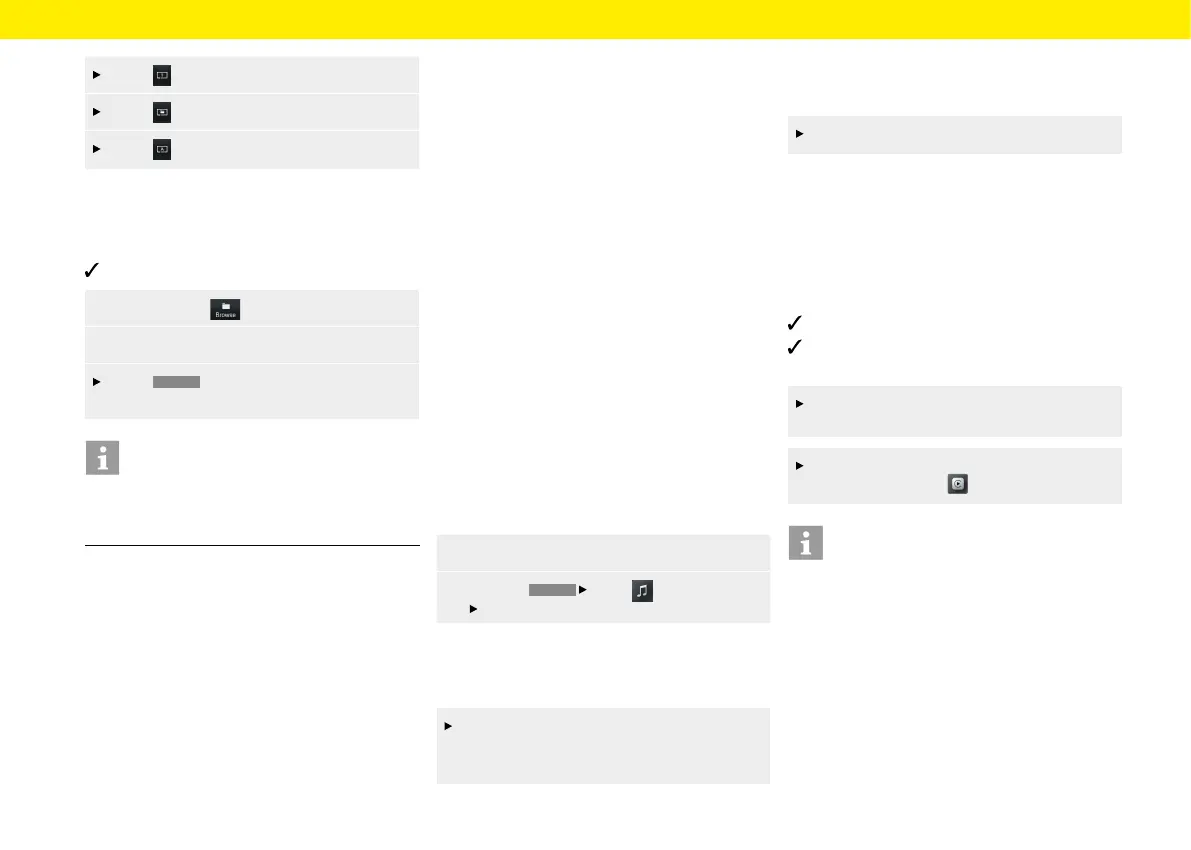
Press . Current track is repeated.
Press . All tracks in the folder are repeated.
Press . All tracks are repeated.
Browsing media
To play browse media, proceed as follows:
Media source is selected.
1. Select Browse .
2. Select desired folder and media track
Press
BACK
to navigate in the folder
structure.
Information
The folder structure is displayed only when playing
from USB media. The repeat shue and repeat track
functions are possible only with USB media.
Notes on drives and externally-
connected devices
Information on the media and le formats supported:
– If there are many les, folders or playlists
onastorage medium, the media titles may take
longer to load the rst time.
– Audio les are automatically displayed with
stored additional information during playback
(ifavailable, e.g. artist, title, album cover).
– Do not use a USB extension cable or adapter.
They impair functionality.
– USB hubs are not supported.
– Porsche AG accepts no liability for damaged
orlost les and media. Never save important data
on the data carriers or portable players.
– Music tracks that have been created for MP3
operation and can be played back in MP3
operation are generally subject to copyright
protection inaccordance with the applicable
international and national provisions. In many
countries, nocopies, even for private use, may
be made without the prior consent of the rights
holders. Please observe the applicable provisions
of copyright law. Insofar as you yourself hold
these rights, e.g. in the case of original compo-
sitions and original recordings, or these have
been granted to you by the rights holder, these
restrictions do not apply.
The current legal situation applies in all cases.
Connecting and playing from a
USB stick
To connect and play from a USB stick, proceed
asfollows:
1. Insert the USB stick in the device front (USB).
2. Press the
HOME
Media button
Select USB button.
Inserting a MicroSDHC card (MAP)
To insert a MicroSDHC card, proceed as follows:
Push the MicroSDHC card with the contacts
facing upwards into the MicroSDHC card slot
(MAP), until it engages.
Removing the MicroSDHC card
To remove a MicroSDHC card, proceed as follows:
Press on the inserted card and remove it.
Opening Apple CarPlay®
With Apple CarPlay®, iPhone® apps are available
inthe Porsche Communication Management Plus.
Siri® voice recognition can be used to send and reply
totext messages, and process voice commands.
Toopen Apple CarPlay®,proceed as follows:
iPhone® 5 or later, iOS® 7.1 or higher.
Siri® and Apple CarPlay® are activated in the
settings of the iPhone® used.
Insert the iPhone® in the device front (USB).
Apple CarPlay® starts immediately.
To open Apple CarPlay® from another function,
select Apple CarPlay .
Information
– It is advisable to install the latest iOS® version.
– Only apps of the iPhone® used that are supported
by Apple CarPlay® can be displayed. For infor-
mation on supported apps: www.apple.com/ios/
carplay.
– The displayed content and functions within the
Apple CarPlay® function are provided exclusively
by the connected iPhone®.
– When Apple CarPlay® is used, active Bluetooth®
connections (e.g. for telephony or media play-
back) are automatically disconnected.
42



 To Next Page