Media
– Certain apps require an active data connection.
Additional costs may be incurred, depending
on the mobile phone tari and especially when
operating abroad. The use of a data at rate
isrecommended.
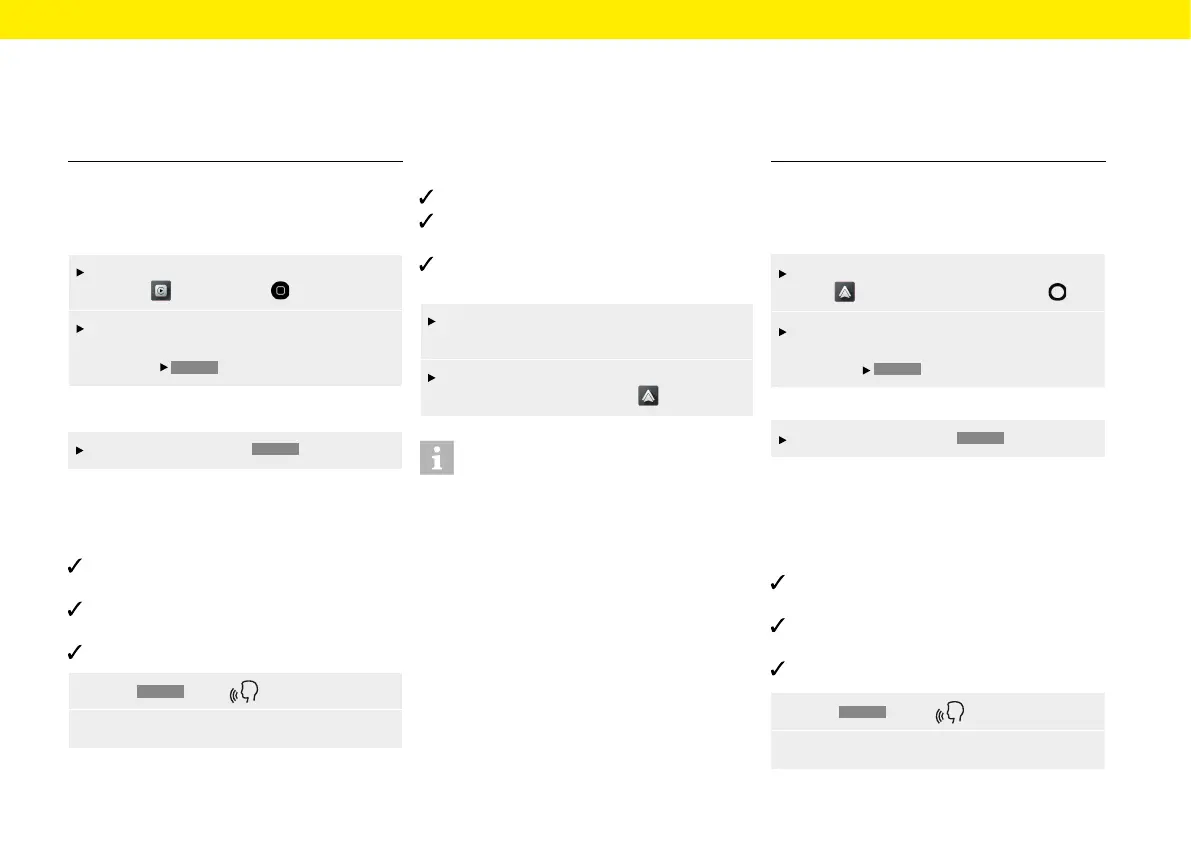
Operating Apple CarPlay®
with the PCCM Plus
To open the main menu within the Apple
CarPlay function, press .
To open the main function of the Porsche
Classic Communication Management Plus,
press the
HOME
button.
– or –
select any function (e.g.
CAR
).
Operating Apple CarPlay® via Siri®
voice recognition
Siri®/iPhone® are activated in the settings of the
iPhone® used.
Ignition and Porsche Classic Communication
Management Plus are switched on.
There is no active telephone call.
1. Press
HOME
/Keep pressed.
2. Say the desired voice command.
Opening Android Auto™
With Android Auto™, apps from the Android™ device
are available in the Porsche Communication Man-
agement Plus. Voice recognition can be
used to send
and answer text messages and
process voice com-
mands. To open Android Auto™, proceed as follows:
Android device from Android™ version 5.0.
Android Auto™ App is installed on the Android™
device.
Google Assistant™ is activated for Android™ in the
settings of the device used.
Insert the Android™ device in the device front
(USB). Android Auto™ starts immediately.
To switch to Android Auto™ from another
function, select Android Auto .
Information
– Android™ is a trademark of Google LLC.
– It is advisable to install the latest Android™
version.
– Only apps of the Android™ device used that
aresupported by Android Auto™ can bedis-
played. For information on supported apps: www.
android.com/auto/.
– The displayed content and functions within the
Android Auto™ function are provided exclusively
by the connected Android™ device.
– When Android Auto™ is used, active Blue-
tooth® connections (e.g. for telephony ormedia
playback) are automatically disconnected. An
inserted SIM card cannot be used to make calls
during this time.
– Certain apps require an active data connection.
Additional costs may be incurred, depending
on the mobile phone tari and especially when
operating abroad. The use of a data at rate
isrecommended.
Operating Android Auto™ with the
PCCM Plus
To open the main menu within the Android
Auto function, press the home icon .
To open the main function of the Porsche
Classic Communication Management Plus,
press the
HOME
button.
– or –
Select any function (e.g.
CAR
).
Operating Android Auto™ via
Google Assistant™ voice recogni-
tion
Google Assistant™ is activated in the settings
ofthe Android™ device used.
Ignition and Porsche Classic Communication
Management Plus are switched on.
There is no active telephone call.
1. Press
HOME
/ Keep pressed.
2. Say the desired voice command.
43



 To Next Page