EasyManua.ls Logo

Porter-Cable PCXB340SS - User Manual

Porter-Cable PCXB340SS
28 pages
Print Icon
To Next Page IconTo Next Page
Loading...
1
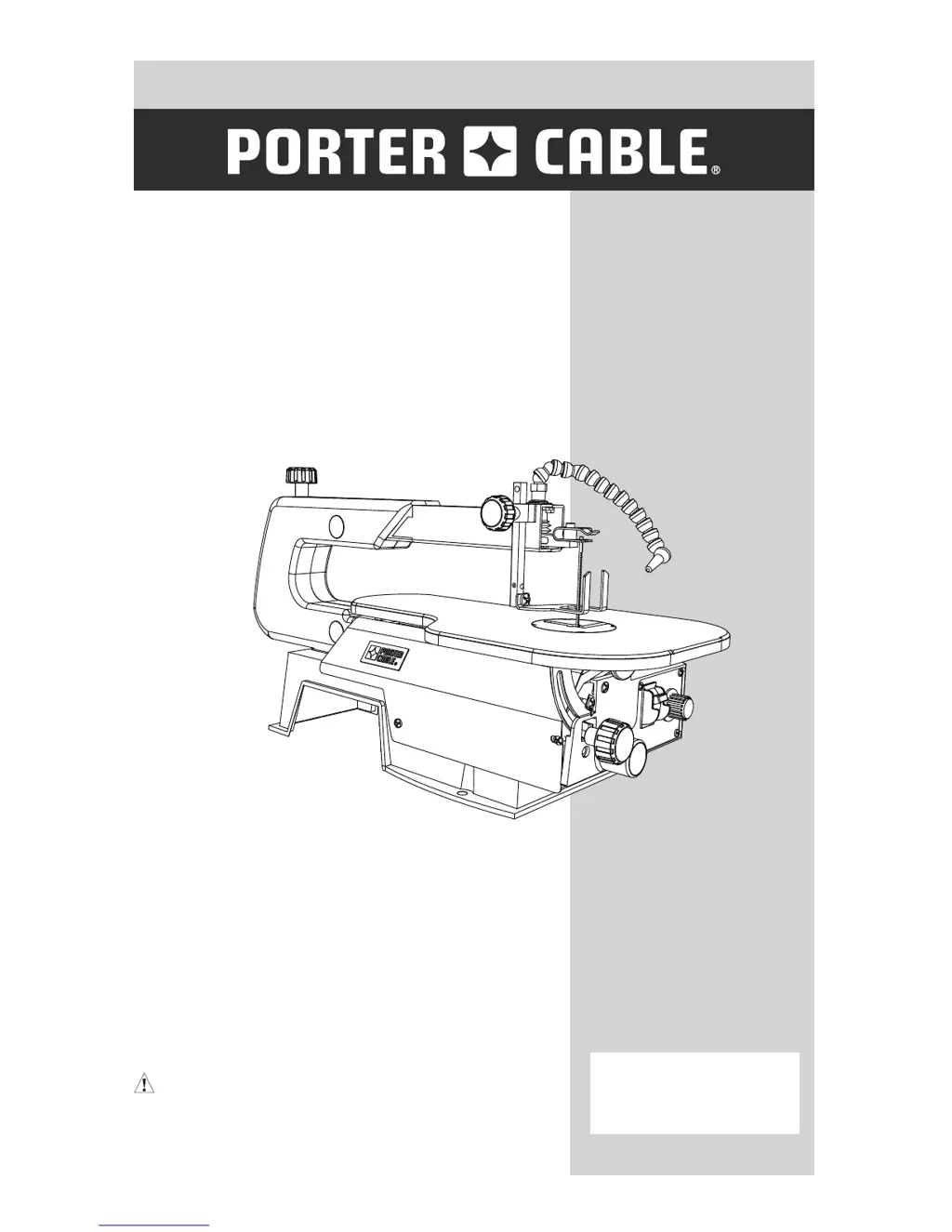
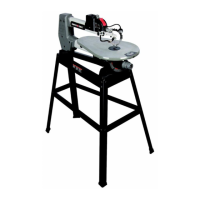
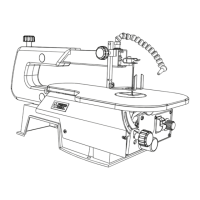
16 IN. (406 MM) VARIABLE SPEED
SCROLL SAW
406 MM (16 PO) SCIE VARIABLE
DEROULEMENT RAPIDE
SIERRA CALADORA DE VELOCIDAD
VARIABLE, DE 406 MM (16 PULG.)
CATALOG NUMBER
PCXB340SS
Instruction Manual
Manuel d’instructions
Manual de instrucciones
www.portercable.com
INSTRUCTIVO DE OPERACIÓN,
CENTROS DE SERVICIO Y PÓLIZA
DE GARANTÍA.
ADVERTENCIA: LÉASE ESTE
INSTRUCTIVO ANTES DE USAR EL
PRODUCTO.

Questions and Answers

  • B
    burtonjamieAug 3, 2025
    Why are the blades breaking on my Porter-Cable Saw?
    • L
      leekimAug 3, 2025
      Breaking blades on your Porter-Cable Saw can be due to several factors. Ensure the blade tension is correctly adjusted. Reduce the feed rate if you're overworking the blades. Use a narrow blade if the application is wrong. Avoid applying side pressure to the blade, as twisting it in the wood can cause breakage.
  • J
    Jason LyonsAug 10, 2025
    How to fix blade run out on my Porter-Cable Saw?
    • J
      Joshua SosaAug 10, 2025
      Blade run out in your Porter-Cable Saw is likely due to misaligned blade holders. To fix this, loosen the blade holder lock screw that secures the blade holder to the arms. Adjust the position of the blade holders and then retighten the blade holder lock screw.
  • A
    Anna JohnsonAug 18, 2025
    Why is my Porter-Cable Saw vibrating so much?
    • C
      careylisaAug 18, 2025
      There are several reasons why your Porter-Cable Saw might vibrate excessively. Ensure the saw is properly mounted according to the mounting instructions. A heavier workbench reduces vibration compared to lighter ones like plywood. Also, check if the table lock knob is loose and tighten it. Finally, tighten the motor mounting screw if the motor mounting is loose.
  • M
    Maria StewartAug 26, 2025
    What to do if my Porter-Cable Saw motor will not run?
    • A
      aaron51Aug 26, 2025
      Your Porter-Cable Saw motor might not be running due to a few potential issues. A defective cord or plug could be the culprit, in which case you should replace the defective parts. Another possibility is a blown overload breaker; if this is the case, push the on/off switch to the OFF position and let the motor cool.

Summary

Product Specifications

Safety Guidelines and Definitions

Safety Alert Definitions

Defines safety alert levels: Danger, Warning, Caution, and Notice.

Hazardous Dust Warnings

Warns about hazardous chemicals in dust from certain activities.

Power Tool Safety

Power Tool Safety Precautions

Lists specific safety precautions for operating power tools.

Additional Power Tool Safety Precautions

Lists further safety precautions for operating power tools.

Scroll Saw Safety

Scroll Saw Safety Precautions

Lists essential safety instructions for operating the scroll saw.

Electrical Requirements and Safety

Power Supply and Motor Specifications

Details power supply requirements and motor specifications for the tool.

Grounding Instructions

Explains the importance and procedure for grounding the tool.

Guidelines for Extension Cords

Provides guidance on selecting and using appropriate extension cords.

Know Your Scroll Saw

Assembly and Adjustments

Mounting Scroll Saw to Work Surface

Details how to securely mount the scroll saw to a workbench or stand.

Pin-End Blade Removal and Installation

Step-by-step guide for removing and installing pin-end scroll saw blades.

Pin-End Blade Removal Details

Provides detailed steps for removing pin-end scroll saw blades.

Pin-End Blade Installation Details

Provides detailed steps for installing pin-end scroll saw blades.

Blade Selection

Operation

Maintenance

Accessories and Attachments

Troubleshooting Guide

Warranty

Porter-Cable PCXB340SS Specifications

General IconGeneral
BrandPorter-Cable
ModelPCXB340SS
CategorySaw
LanguageEnglish

Related product manuals