System Installation
RUBY-D716VG2AR User’s Manual 3-3
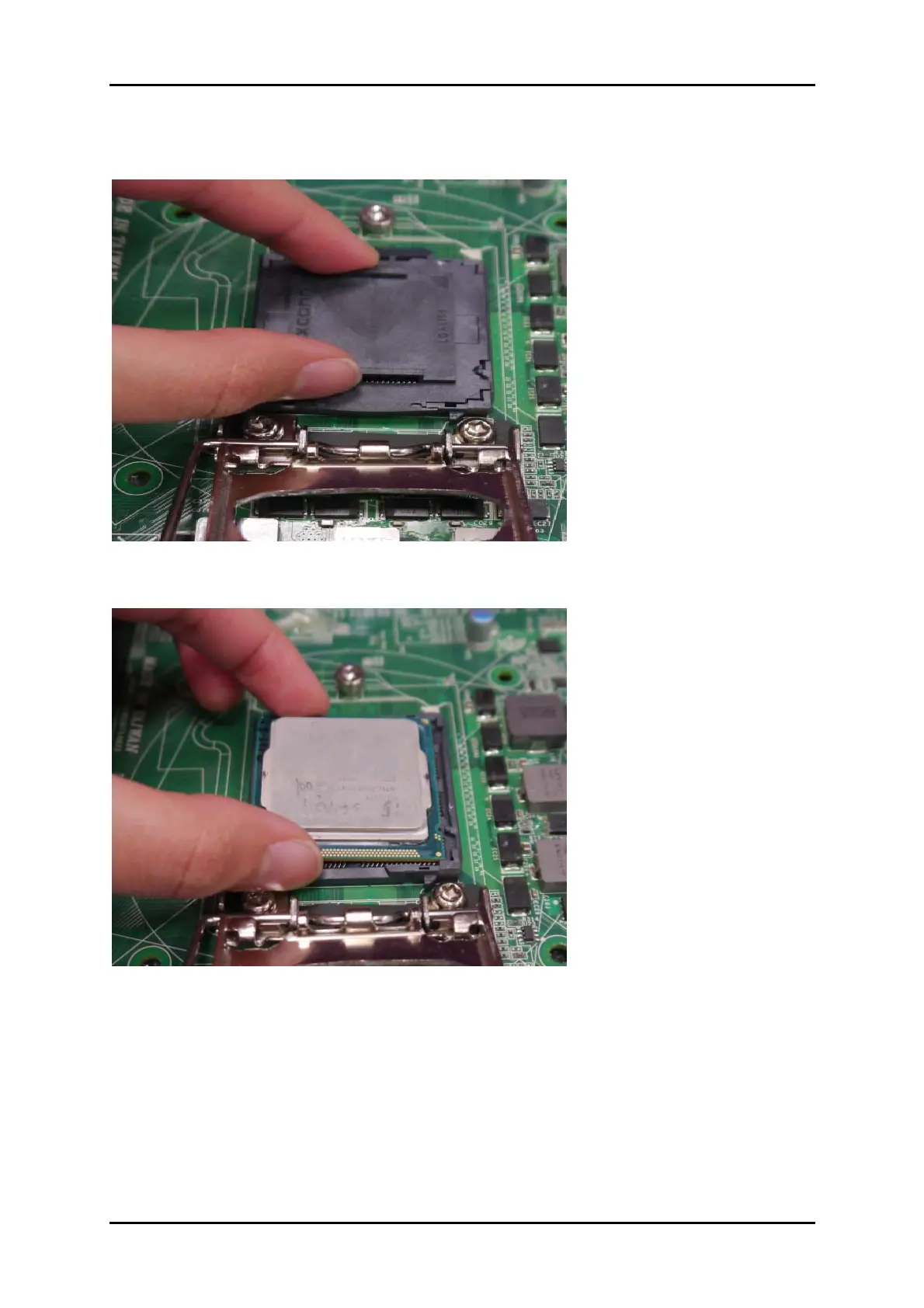
3. Remove the plastic cap on the CPU socket. Before you install the CPU, always
cover it to protect the socket pin.
4. After confirming the CPU direction for correct mating, put down the CPU in the
socket housing frame. Note that alignment keys are matched.














 To Next Page