Troubleshooting
RUBY-D716VG2AR User’s Manual 5-1
Chapter 5
Troubleshooting
This chapter provides a few useful tips to quickly get RUBY-D716VG2ARVG2AR
running with success. As basic hardware installation has been addressed in Chapter
2, this chapter will focus on system integration issues, in terms of BIOS setting, and
OS diagnostics.
5.1 Hardware Quick Installation
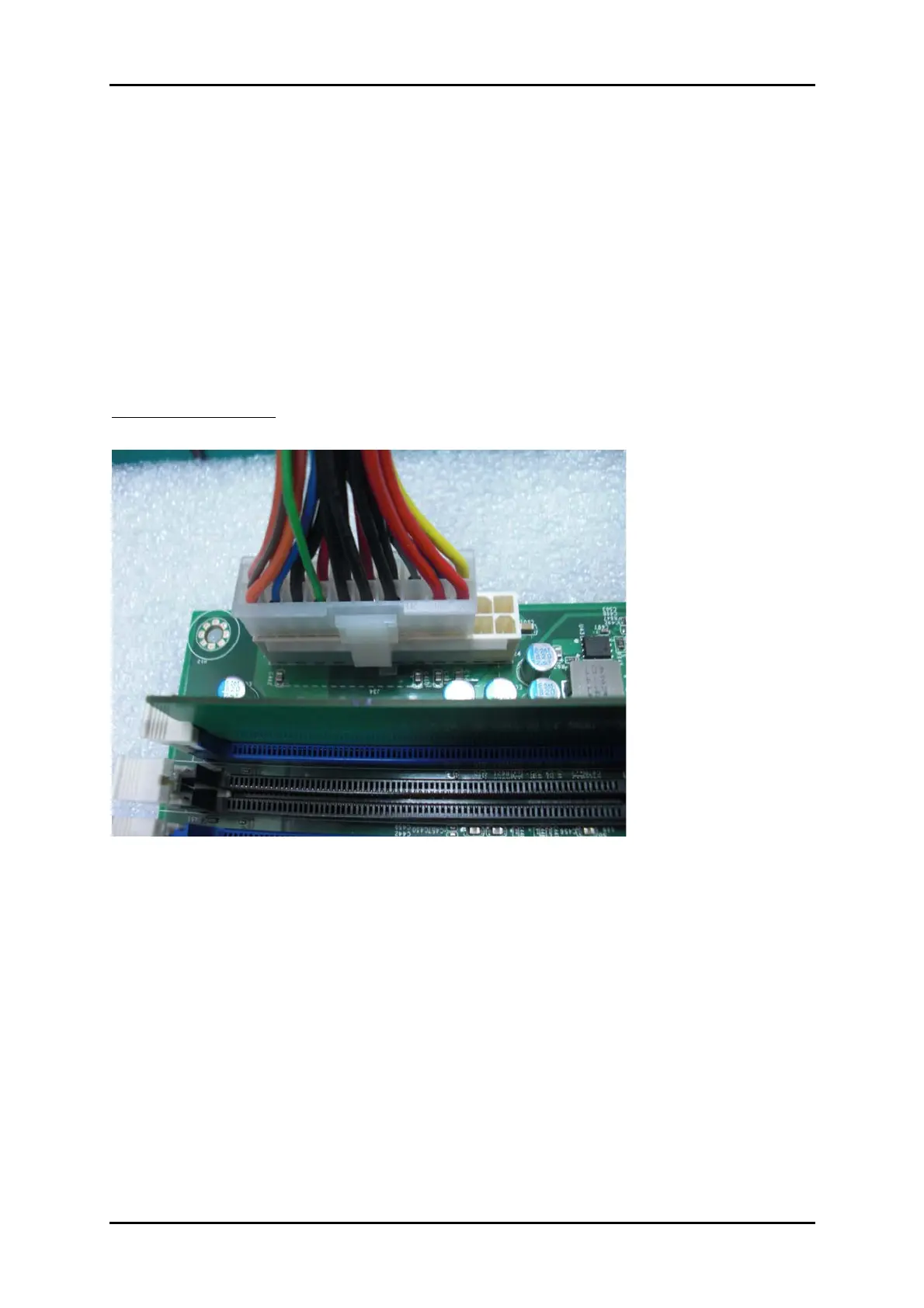
ATX Power Setting
RUBY-D716VG2AR supports ATX. Therefore, there is no other setting that really
needs to be set up. However, there are only two connectors that must be connected—
J7 (4 pins CPU +12V main power connector) & J35 (24 pins ATX Power Connector)














 To Next Page