BIOS Setup Information
RUBY-D716VG2AR User’s Manual 4-4
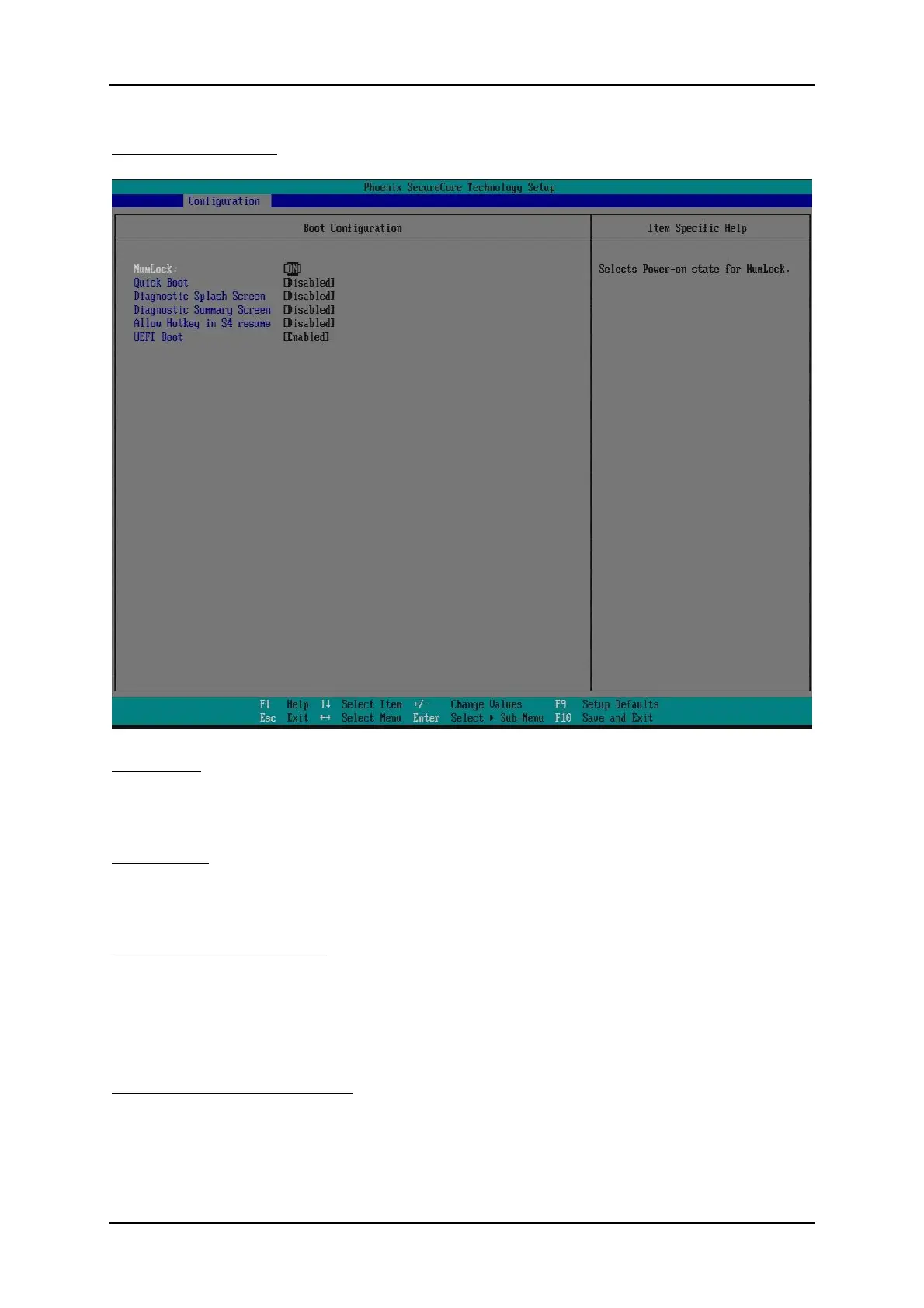
Boot Configuration
Set Boot Configuration.
NumLock:
Selects Power-on state for NumLock.
Choices: OFF, ON.
Quick Boot
Enable/Disable quick boot.
Choices: Disabled, Enabled.
Diagnostic Splash Screen
If you select ‘Enabled’ the diagnostic splash screen always displays during boot. If
you select ‘Disabled’ the diagnostic splash screen does not displays unless you press
HOTKEY during boot.
Choices: Disabled, Enabled.
Diagnostic Summary Screen
Display the Diagnostic summary screen during boot.
Choices: Disabled, Enabled.














 To Next Page