- 3 -
6:
Use chapter 6 to select the indicator options you prefer. These options affect the
operation of the buzzer and good read LED.
* The reader will now operate to your personal preference.
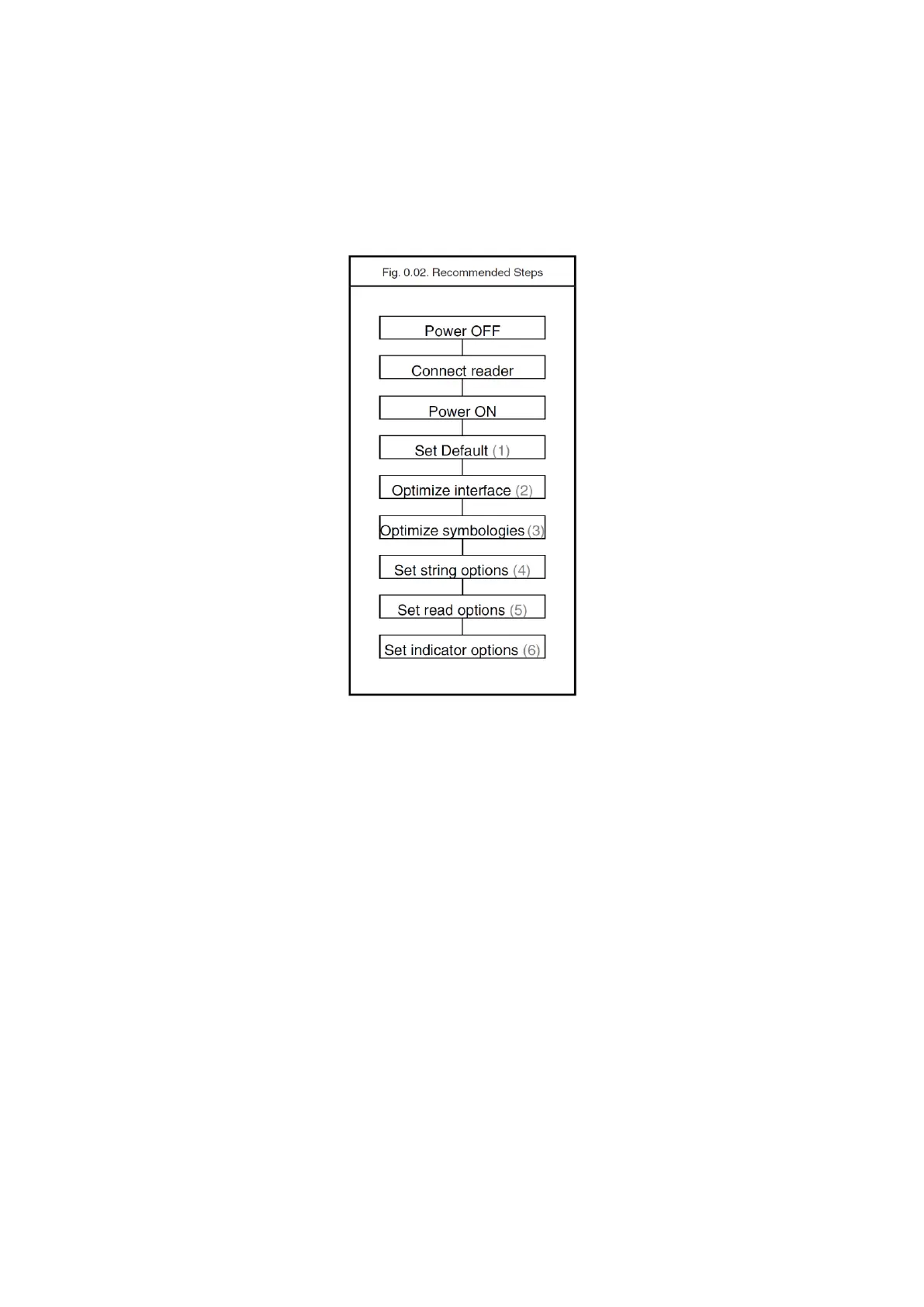
See figure 0.02.
Configuring via RS232
In the middle column of the menu pages the command is printed, e.g. U2. These
commands can be sent to readers with an RS232 interface. To configure via the
RS232 port proceed as follows:
transmit <ESC><Command string 1><CR>
transmit <ESC><Command string 2><CR>
transmit <ESC><Command string n><CR>
transmit <ESC>Z2<CR>
<ESC>
<ESC> is the ASCII escape character (Hex 1B).
<Command string>
<Command string> is the ASCII command with its parameters as would be scanned
from the menu book, i.e. <ESC>M41B<CR> configures the ASCII control code
<STX> as the prefix for Code 39.
Example in hexadecimal format:
1B 4D 34 31 4B Ø D



 To Next Page