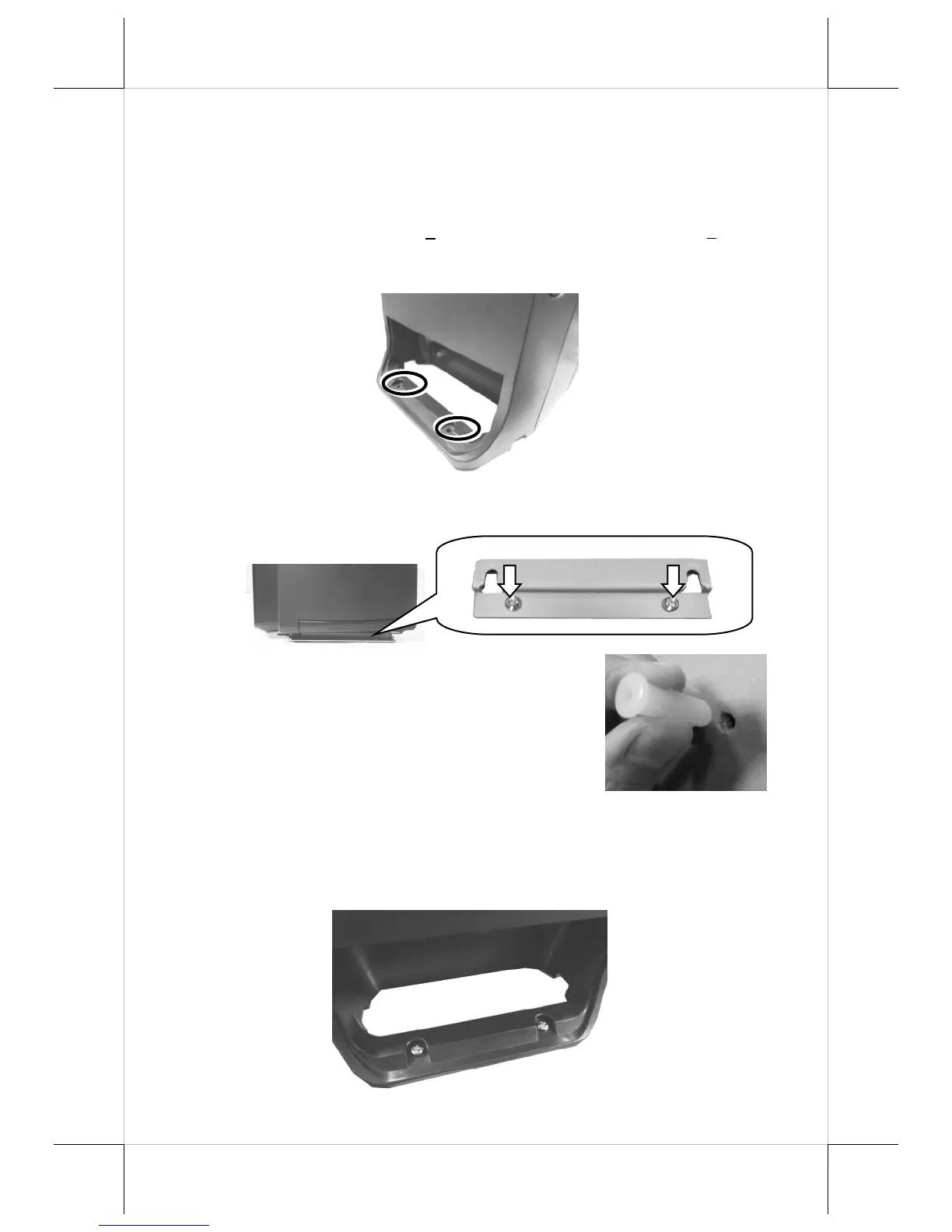
7. To completely mount the desktop POS onto the table, please
follow the steps below.
7.1 Use the two mouting holes located on the rear of the POS
to drill another two holes on the same surface. Each hole
also has to be at least
” or 6.25 mm diameter and
7.2 Push the POS in the direction shown by the arrow to
reomve it from the mouting bracket.
7.3 After pushing two plastic
anchors into the drilled holes,
tap the plastic anchors into the
drilled holes with a hammer.
7.4 Refer Step 6 to mount the POS to the bracket.
7.5 Apply two self-tapping screws through the mounting holes
into the two plastic anchors. Then, fasten the screws to
completely lock the POS onto the table.


 To Next Page