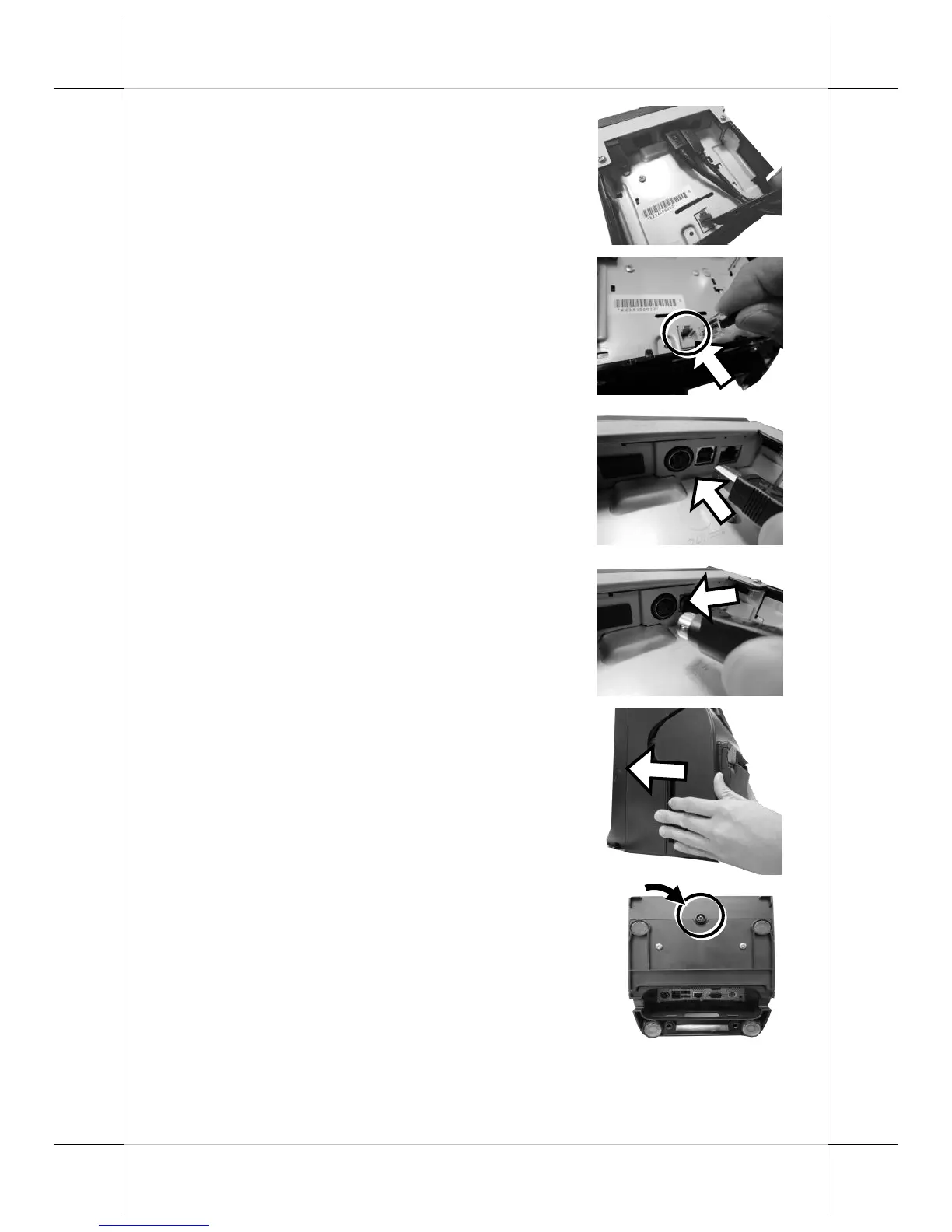
4. Disconnect all the cables from the
printer.
5. Take the new printer which you wish to
replace with, and then connect the cable
to CR port of the printer.
6. Attach the USB cable to Type-B USB
port of the new printer.
7. Plug the cable to DC-IN power jack of
the new printer.
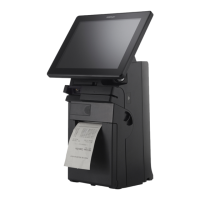
8. Carefully support the printer with both of
your hands and then push it back into the
rear case of HS-3510W-E/3512W-
E/3514W-E terminals.
9. After ensuring the front cover is well
attached to the rear case, insert the screw
which you removed in step 1 to the
screw hole at the bottom, and then fasten
it properly, as the figure shows.


 To Next Page